TV Stand Size Calculator
Your Ideal TV Stand Size
Why this matters: Your TV's actual width (not diagonal size) determines stand requirements. A stand that's too small risks tipping, blocks ventilation, and doesn't accommodate accessories like soundbars or cables.
Buying a 65-inch TV is a big upgrade. The picture fills the room, the sound shakes the walls, and suddenly your living room feels like a theater. But here’s the problem most people don’t think about until it’s too late: the TV stand. If it’s too small, your TV wobbles. Too wide, and it eats up your floor space. Just right? That’s the sweet spot.
What size TV stand do you actually need for a 65-inch TV?
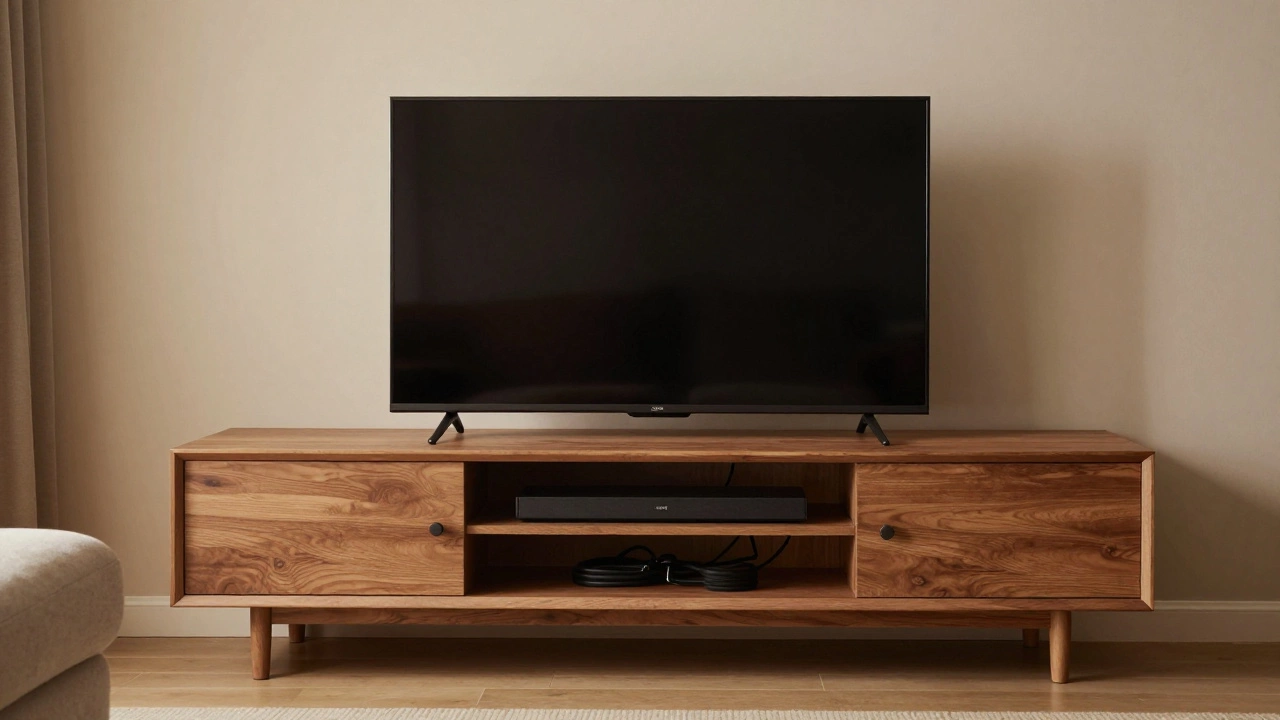
A 65-inch TV doesn’t mean the stand needs to be 65 inches wide. That’s the diagonal screen size - from corner to corner. The actual width of a 65-inch TV is about 57 inches. That’s the number you care about. Most experts recommend a stand that’s at least 5 inches wider than your TV on each side. So for a 57-inch TV, you want a stand that’s at least 67 inches wide.
Why? Stability. Airflow. And looks. A stand that’s too narrow makes the TV look like it’s about to tip forward. It also blocks the vents on the back of the TV, which can cause overheating. And let’s be honest - a TV hanging over the edge of a tiny stand looks cheap, not cool.
Some manufacturers say a stand that’s the same width as the TV is fine. That’s technically true, but it’s the bare minimum. Real-world use? You’ll have a soundbar, maybe a streaming box, a cable box, and a couple of game consoles. You need room.
Measure your TV, not the box
Don’t trust the product page. Don’t guess. Grab a tape measure. Measure the width of your actual TV from left edge to right edge - not including the stand or feet. Most 65-inch TVs fall between 56 and 58 inches wide. Check your manual or the manufacturer’s website if you’re unsure. For example, the Samsung QN90C is 57.3 inches wide. The LG C3 is 57.5 inches. The Sony X90K is 57.1 inches. All of them need a stand wider than 58 inches.
Now measure your current stand. If it’s 60 inches wide, it’s too small. If it’s 72 inches, you’re golden. If it’s 65 inches? You’re on the edge. You might fit everything, but you’ll be tight. No room for error.
What about depth and height?
Width isn’t the only thing that matters. Depth and height matter too.
TV stands should be at least 12 to 15 inches deep. Why? Because most 65-inch TVs are 3 to 4 inches deep, and you need room for cables, wall mounts, or soundbars that stick out. If the stand is too shallow, your TV will hang over the front. That looks bad and makes it hard to reach the ports.
Height? That’s about comfort. The center of your TV screen should be at eye level when you’re sitting. For most people, that’s 40 to 42 inches off the floor. If your stand is too tall, you’re looking up. Too short, you’re looking down. Both cause neck strain over time. Most TV stands are designed to hit that 40-inch mark. But if you’re using a media console or custom cabinet, double-check.
Leave space for cables and accessories
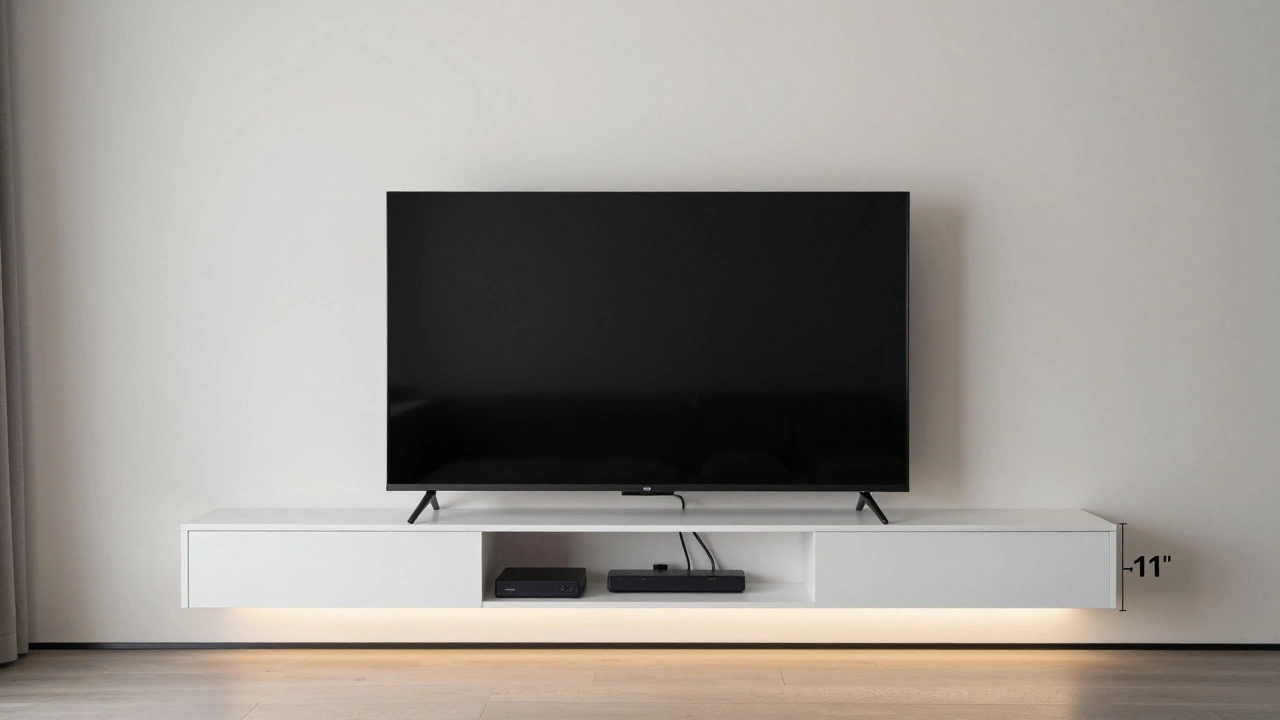
You’re not just putting a TV on a stand. You’re setting up a whole system. Soundbar? Streaming stick? Game console? Cable box? Bluetooth speaker? All of these need space. And they need airflow. And they need to be reachable.
A stand that’s 67 inches wide gives you about 5 inches of clearance on each side. That’s enough to tuck a soundbar under the TV without blocking the ports. It’s enough to plug in a power strip without having to move the TV. It’s enough to slide a cable box in and out without scraping the wall.
Look for stands with cable management. Holes in the back, channels under the shelf, clips to hold wires. A messy tangle of cords looks bad and can be a tripping hazard. Good stands hide the chaos.
What if your stand is too small?
You bought a 65-inch TV and now realize your old stand is only 58 inches wide. What do you do?
- Move the TV to a bigger surface - like a wide bookshelf or media console.
- Use a wall mount. It’s cleaner, safer, and frees up floor space.
- Buy a new stand. Don’t risk it. A TV that’s too close to the edge can fall.
Never try to balance a 65-inch TV on a stand that’s too small. TVs this size weigh 45 to 65 pounds. They’re not light. A slight bump, a pet jumping, or even a shaky floor can make it tip. That’s not just a broken TV - it’s a broken TV and a broken floor.
What’s the best width for a 65-inch TV stand?
Here’s a simple rule: go with 70 to 75 inches wide.
That gives you 6 to 8 inches of clearance on each side. Enough room for a soundbar. Enough room for cables. Enough room to breathe. And it looks professional. Most high-end TV stands in this range are 72 inches wide - it’s the industry standard for a reason.
Some people go bigger - 80 inches - if they want room for speakers on the sides or extra storage. That’s fine if you have the space. But 70 to 75 inches is the Goldilocks zone. Not too big. Not too small. Just right.
Stand vs. wall mount: Which is better?
A stand gives you easy access to ports and lets you move the TV around. But it takes up floor space and can look bulky.
A wall mount saves space, gives you a cleaner look, and lets you tilt the TV for better viewing. But you lose the ability to easily plug things in. You need to plan your cable routing ahead of time. And if you ever want to change the TV, you’ll need to re-mount everything.
If you’re using a 65-inch TV as the centerpiece of your living room, a stand is usually the better choice. It’s more flexible. It’s easier to set up. And if you ever want to add a soundbar or turn it into a home theater, you’ve got room.
Wall mounts are great for small rooms or if you’re tight on space. But for most people with a 65-inch TV, a stand is the smarter move.
Final checklist before you buy
- Measure your TV’s width - not the box, not the ad. The actual screen housing.
- Find a stand that’s at least 67 inches wide. Aim for 70 to 75 inches.
- Check the depth - make sure it’s at least 12 inches.
- Verify the height - the center of the screen should be 40 to 42 inches off the floor.
- Look for cable management holes or channels.
- Make sure the stand’s weight limit is higher than your TV’s weight (check the specs - most 65-inch TVs weigh 50+ pounds).
- Test the fit in your space. Walk around. Sit on the couch. Does it block a window? A door? A speaker?
Don’t rush this. A TV stand isn’t just furniture. It’s the foundation for your whole entertainment setup. Get it right, and you’ll enjoy your TV for years. Get it wrong, and you’ll be fixing it - or replacing it - before the warranty even runs out.
Can a 65-inch TV fit on a 60-inch stand?
Technically, yes - if your TV is 57 inches wide and the stand is 60 inches, there’s 1.5 inches of overhang on each side. But it’s not safe or practical. You won’t have room for a soundbar, cables will be tight, and the TV will look unstable. It’s a risk not worth taking.
Is a 72-inch TV stand too big for a 65-inch TV?
No, it’s perfect. A 72-inch stand gives you 7.5 inches of space on each side. That’s ideal for a soundbar, cable boxes, and airflow. Most premium TV stands are 72 inches wide for this exact reason.
What if my TV stand is too deep?
If the stand is deeper than 18 inches, your TV might stick out too far and block a wall outlet or window. It can also make the room feel cramped. Stick to 12 to 15 inches deep unless you need extra storage. You can always add a shelf behind the TV for more space.
Do TV stands come in standard sizes?
Yes. For 65-inch TVs, 70 to 75 inches wide is the standard. Smaller stands (60-65 inches) are meant for 50-55 inch TVs. Larger stands (80+ inches) are for 75-inch TVs or home theater setups. Always match the stand size to your TV’s width, not the screen size.
Can I use a coffee table as a TV stand for a 65-inch TV?
Only if it’s at least 67 inches wide, 12 inches deep, and rated to hold 65+ pounds. Most coffee tables are too narrow, too shallow, and not built for heavy loads. Using one risks the TV tipping over. Stick to a proper TV stand or media console.