TV Stand Width Calculator for 65-Inch TVs
Check Your TV Stand Safety
Determine if your stand meets minimum safety requirements for a 65-inch TV. A stand that's too narrow risks tipping.
Why Width Matters
- Minimum Safe Width: 57 inches
- Ideal Width: 60 inches
- Why: Prevents tipping, allows for airflow and cable management
Stand Width Calculator
Enter your stand width to check safety
Getting a TV stand that’s too small or too big for your 65-inch TV isn’t just awkward-it can be unsafe. A stand that’s too narrow won’t support the TV properly, and one that’s way too wide makes your living room look off-balance. So how long should a TV stand be for a 65-inch TV? The short answer: at least 57 inches wide. But let’s break down why, and how to pick the right one for your space.
What Does ‘65-Inch TV’ Actually Mean?
When you hear ‘65-inch TV’, you’re not hearing the width of the whole unit. That number refers to the diagonal screen size-from one corner to the opposite corner. A 65-inch TV typically has a screen width of about 56 to 58 inches. That’s the part you see when you’re watching. But the TV itself, including the bezel and the base, adds a few extra inches. Most 65-inch models are between 57 and 59 inches wide overall.So if your TV is 58 inches wide, you need a stand that’s wider than that. Why? Because you need at least 3 to 4 inches of clearance on each side. That’s not just for looks-it’s for airflow, cable management, and safety. A TV that hangs over the edge of the stand is a risk. It could tip, especially if a kid or pet bumps into it.
Minimum Stand Width: 57 to 60 Inches
Most experts and furniture manufacturers agree: for a 65-inch TV, your stand should be at least 57 inches wide. But 60 inches is the sweet spot. That gives you a full 1.5 to 2 inches of space on each side. It looks intentional, not cramped. It also leaves room for soundbars, game consoles, or streaming boxes without crowding the TV.Here’s what happens when you go smaller:
- TV overhangs the stand-increased risk of tipping
- Cables get pinched or pulled because there’s no room to route them
- It looks like the TV is about to fall off
And here’s what happens when you go too big:
- The stand looks out of place in a small room
- You waste space that could be used for storage or decor
- The TV becomes visually lost on a massive surface
So aim for 60 inches. It’s wide enough to be safe, but not so wide it overwhelms your space.
What About Depth and Height?
Width isn’t the only thing that matters. Depth and height affect stability and viewing comfort too.Depth: Most 65-inch TVs are about 3 to 4 inches deep without the stand. Add the base, and you’re looking at 5 to 7 inches. Your stand should be at least 16 to 20 inches deep. That gives you room for a soundbar, a streaming stick, and enough space to plug in cables without pulling them taut. A shallow stand (under 14 inches) won’t support heavier components safely.
Height: Your TV’s center should be at eye level when you’re seated. For most people on a couch, that’s about 40 to 42 inches off the floor. Measure from the floor to your eye level while sitting, then subtract half the TV’s height. A 65-inch TV is about 33 inches tall, so half of that is 16.5 inches. That means the bottom of the TV should sit around 23.5 inches above the floor. Most TV stands are designed with this in mind, but double-check the specs before buying.
Stand Types That Work Best
Not all TV stands are built the same. Here are the top three types for a 65-inch TV:- Mid-Century Modern Console: Clean lines, solid wood, 60-inch width. Great for minimalist spaces. Often includes drawers or shelves for remotes and cables.
- Entertainment Center: Wider than 60 inches, sometimes up to 72 inches. Has built-in cabinets, open shelves, and cable management. Ideal if you have multiple devices or want to hide clutter.
- Wall-Mounted Floating Shelf: Only if it’s rated for 80+ pounds and extends at least 60 inches. Not for everyone-requires secure wall anchors and professional installation.
Avoid thin, glass, or wobbly stands. Even if they claim to hold 65-inch TVs, the real test is stability. Shake the stand gently. If it wobbles, walk away. TVs this size can weigh 50 to 70 pounds. That’s heavier than a toddler.
Real-World Examples
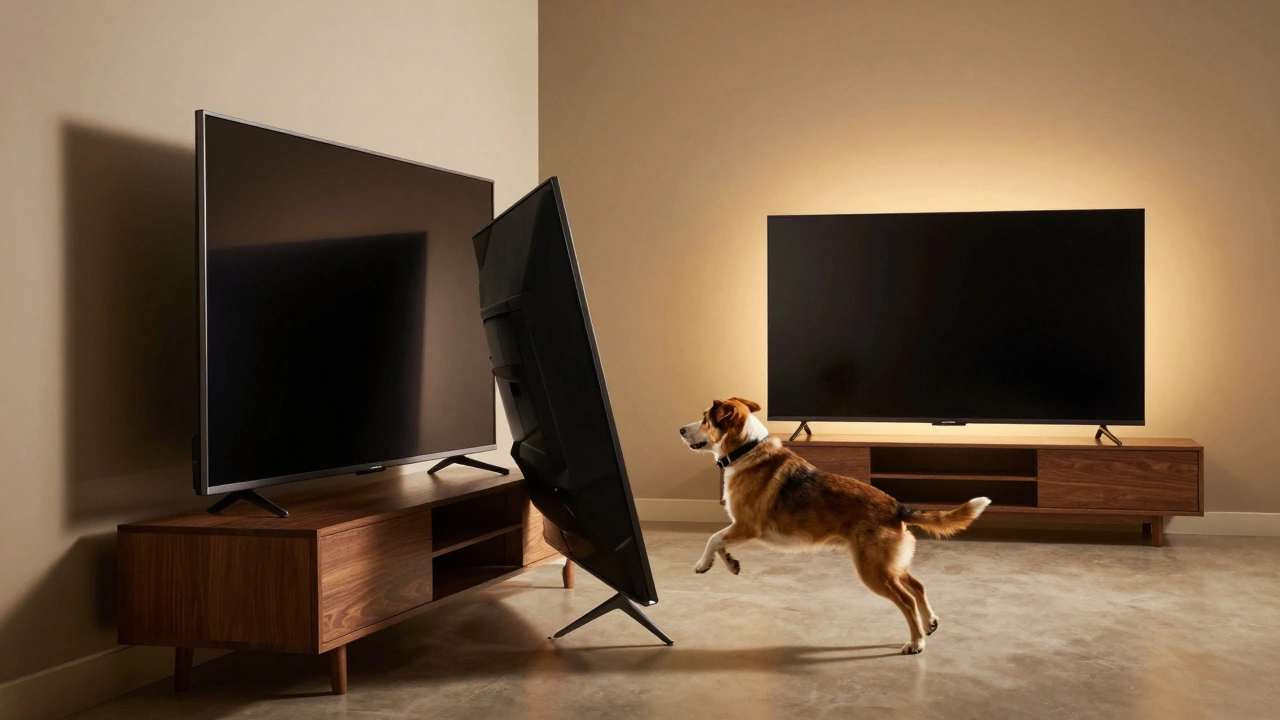
I’ve seen too many people buy a 54-inch stand because it “looked nice.” Their 65-inch TV overhung by 3 inches on each side. They didn’t realize the risk until their dog jumped up and knocked it sideways. The TV didn’t break, but the stand did-and they had to replace both.Another client in Ponsonby bought a 72-inch entertainment center. It looked great with their 65-inch TV, but it swallowed up half their living room. They ended up moving it to the basement because it blocked the doorway.
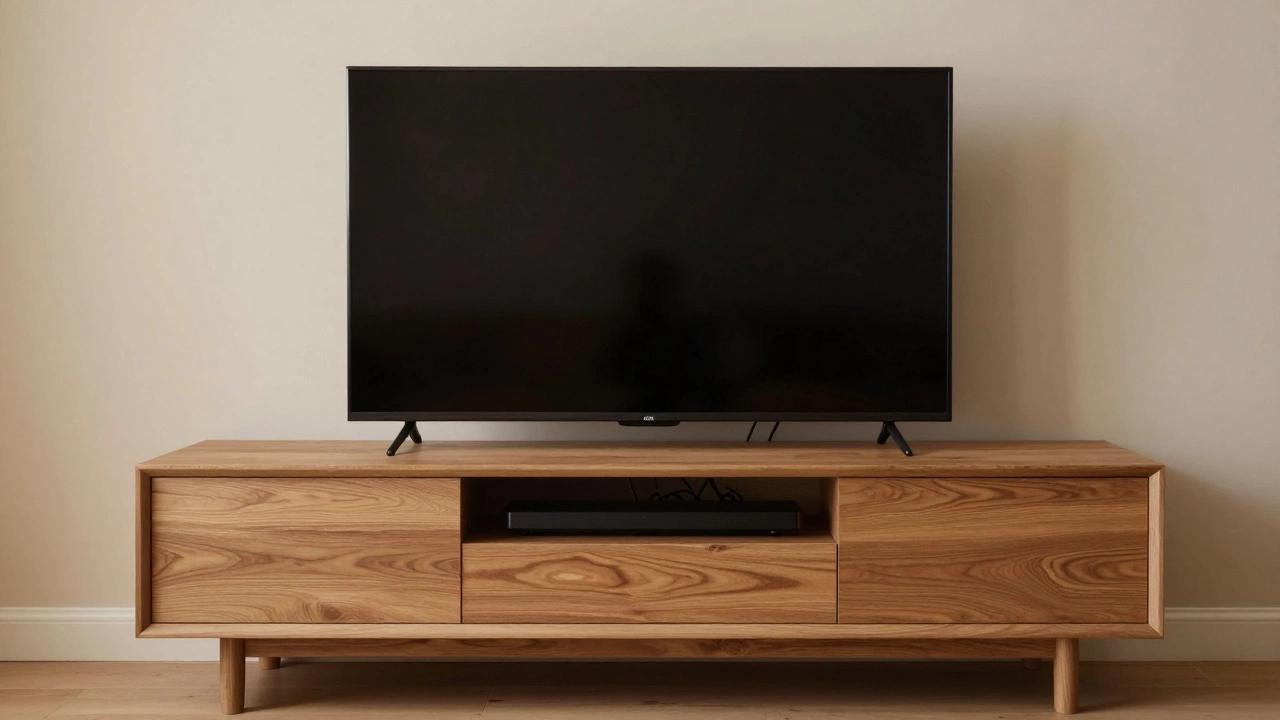
The right fit? A 60-inch solid oak console. The TV sat centered, with 1.5 inches on each side. A soundbar fit neatly underneath. Cables ran through the back channel. It looked intentional. It was safe. And it didn’t take over the room.
What If Your TV Stand Is Too Wide?
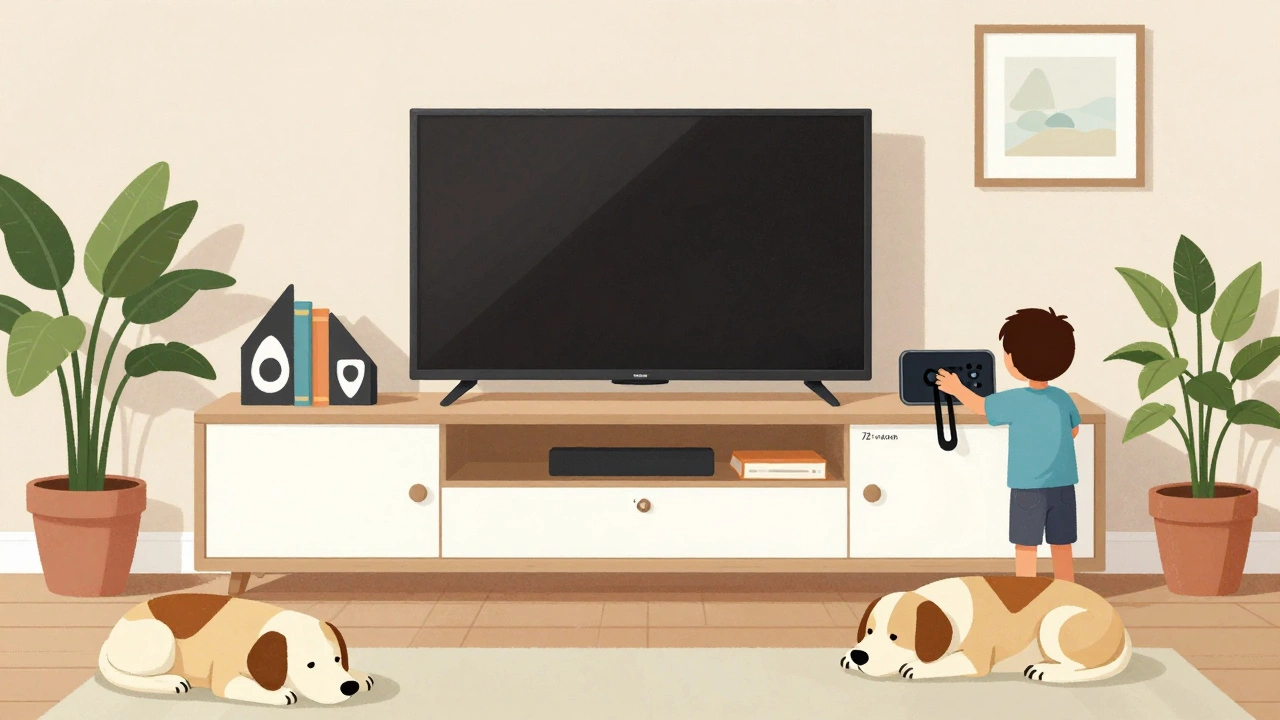
You bought a 70-inch stand, but now it looks like a freight train next to your TV. Don’t panic. You can still make it work:- Add bookends or decorative boxes on either side to balance the look
- Use the extra space for plants, lamps, or a small shelf unit
- Place your media devices (PS5, Apple TV, Blu-ray) on the ends instead of under the TV
It’s not ideal, but it’s fixable. The bigger problem is when the stand is too narrow. That’s not a styling issue-it’s a safety hazard.
Final Checklist: Is Your Stand Right?
Before you buy or move your TV, run through this quick checklist:- Is the stand at least 57 inches wide? (60 inches preferred)
- Is the TV centered with at least 1.5 inches of space on each side?
- Is the stand depth 16 inches or more?
- Is the stand rated to hold at least 80 pounds?
- Does the TV’s base fit securely on the stand without overhang?
- Can you access all ports and cables without moving the TV?
If you answered yes to all of these, you’re good. If not, reconsider your stand.
What About Wall Mounts?
Some people skip stands entirely and go wall-mounted. That’s fine-if your wall is solid, the mount is properly installed, and you’re okay with no storage underneath. But wall mounts don’t solve the width problem. You still need to match the TV’s width to the space. And if you plan to add a soundbar or shelves below, you’ll need to account for that too.For most people, a good TV stand is simpler, safer, and more flexible. You can rearrange it. You can add storage. You can move it if you redecorate.
What’s the Worst That Can Happen?
A TV falling isn’t just expensive-it’s dangerous. In 2024, the U.S. Consumer Product Safety Commission reported over 14,000 TV-related injuries in homes, mostly from tip-overs. Nearly half involved TVs 55 inches or larger. Most of those could’ve been prevented with a properly sized stand.It’s not about having the biggest TV. It’s about having the right foundation.
Can I use a 54-inch TV stand for a 65-inch TV?
No. A 54-inch stand is too narrow. A 65-inch TV is 57 to 59 inches wide, so it would overhang by 1.5 to 2.5 inches on each side. This makes it unstable and increases the risk of tipping. Even if it seems to fit, it’s not safe.
Is a 60-inch TV stand too big for a 65-inch TV?
No, 60 inches is ideal. It gives you 1 to 1.5 inches of space on each side, which is perfect for safety, airflow, and aesthetics. It’s the most common recommended width for this TV size.
Does the TV stand need to be the same width as the TV?
No. The stand should be wider than the TV. A TV and stand of the same width leave no room for safety or cable management. Always choose a stand that’s at least 3 to 4 inches wider than the TV’s width.
What if my TV stand is only 50 inches wide?
Don’t use it. A 50-inch stand is dangerously narrow for a 65-inch TV. The TV will overhang by 3 to 4 inches on each side, making it unstable. Even if you think it’s secure, the risk of tipping is high-especially with kids, pets, or accidental bumps.
Can I use a floating shelf for a 65-inch TV?
Only if it’s professionally installed, made of heavy-duty material, and rated for at least 80 pounds. Most retail floating shelves aren’t built for this weight. If you’re unsure, stick with a traditional stand. It’s safer and easier to adjust.