
Office Chair Armrest Calculator
Optimal Armrest Assessment
Enter your measurements to determine if your armrests are properly positioned for your work setup.
Results
Enter your measurements to see results
Let’s cut to the chase: office chair arms aren’t just accessories. They’re part of your body’s support system. But if you’re leaning forward, shrugging your shoulders, or feeling pressure on your wrists, you might be wondering-should I just take them off?
Why armrests exist in the first place
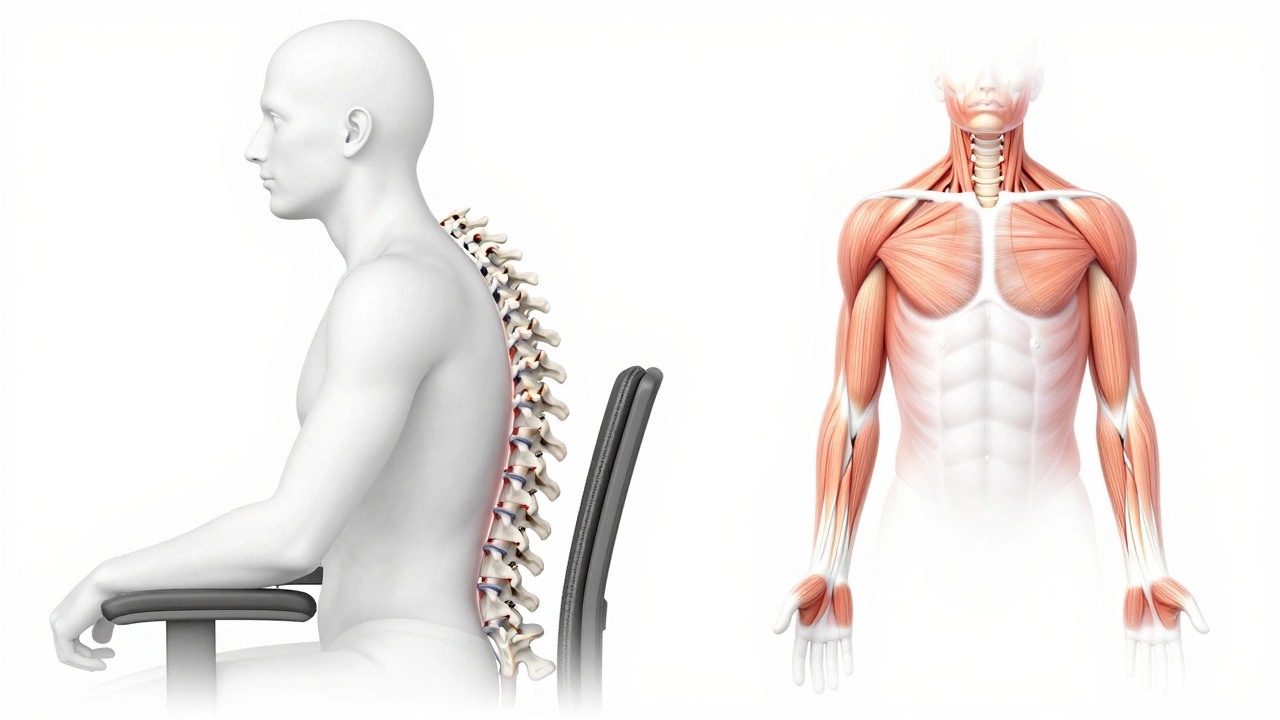
Armrests weren’t added to office chairs to look fancy. They’re there to reduce strain. When your arms are properly supported, your shoulders don’t have to hold up your forearms. That’s a big deal. Your shoulder muscles aren’t designed to carry weight all day. Without support, they fatigue. That leads to tension headaches, neck pain, and even numbness in your hands.Studies from the Human Factors and Ergonomics Society show that workers with properly adjusted armrests report up to 37% less upper body fatigue after eight hours of sitting. That’s not a small number. It’s the difference between making it through the workday and needing a nap by 3 p.m.
When removing armrests makes sense
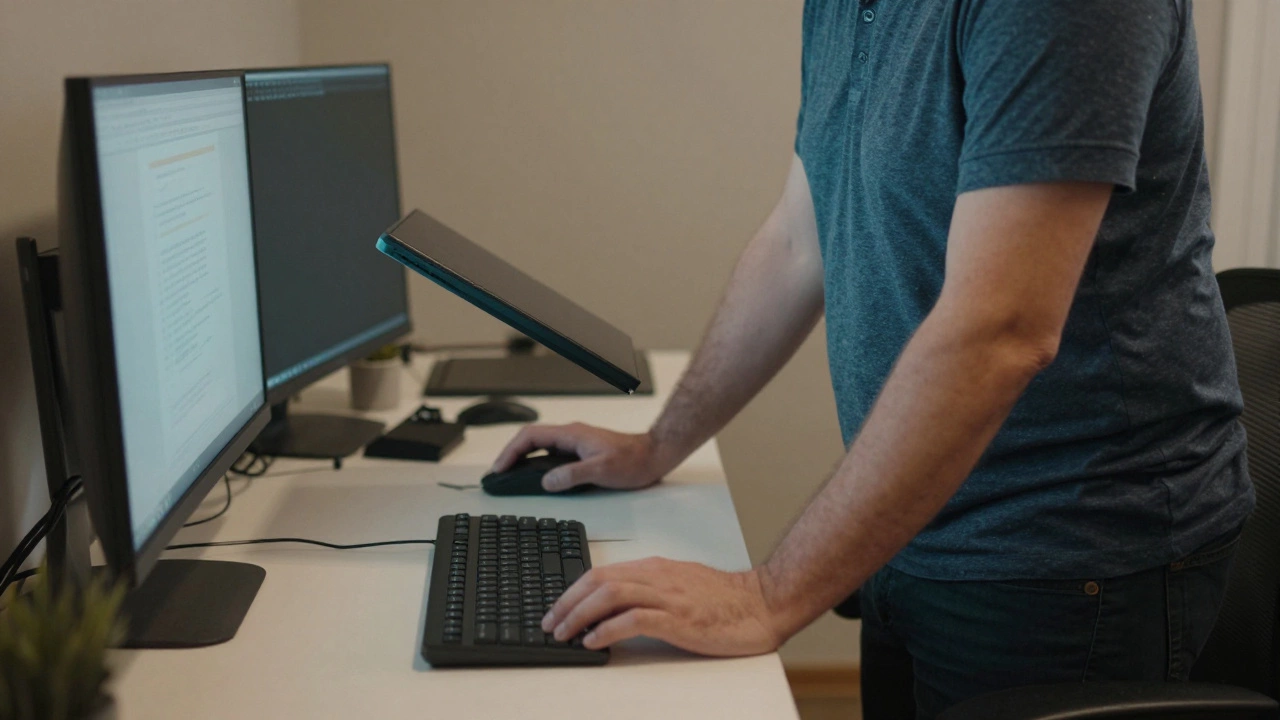
There are real cases where armrests get in the way. If your desk is too low and your arms are forced into a hunched position, the armrests aren’t helping-they’re making things worse. Same goes if you’re using a standing desk part-time. When you stand, armrests become obstacles. They bump into your legs, block movement, and force you to shift awkwardly.Another common issue: people who type with their elbows close to their sides. If your armrests are too wide, they push your shoulders outward. That stretches your rotator cuff. Over time, that can lead to impingement. If you notice discomfort when typing, try lowering your chair until your elbows are at 90 degrees. If the armrests still stick out past your shoulders, they’re not working for you.
Some people just prefer the freedom of movement. If you’re constantly twisting, reaching for things, or shifting positions, armrests can feel like anchors. That’s not laziness-it’s natural human behavior. Our bodies aren’t built to sit still for hours. If removing them helps you move more, it might be worth it.
When to keep them
If you use a mouse often, armrests are your friend. They let your forearm rest while you move the mouse. That reduces wrist strain. Without support, your wrist has to hover or press into the desk. That’s how carpal tunnel starts.Also, if you’re shorter or have a low desk, armrests can help you sit closer to your keyboard. They act as a reference point. When you slide back in your chair, your arms naturally guide your torso into the right position. That helps maintain spinal alignment.
People with chronic back pain often benefit from armrests too. They take pressure off the lower spine by letting the arms share some of the load. It’s not magic-it’s physics. Support the upper body, and the lower body doesn’t have to work as hard.
What to do instead of removing them
Before you grab a screwdriver, try adjusting them first. Most modern office chairs have adjustable armrests. You can raise, lower, widen, or even rotate them. The goal? Your elbows should be at 90 to 110 degrees, and your forearms should rest lightly on the pads without pushing your shoulders up.If your chair doesn’t have adjustable arms, try this: place a cushion or folded towel under your arms. It raises your arms slightly, so they don’t hang. Or, use a separate armrest pad that clips onto your desk. These cost less than $20 and are way easier than removing anything.
Another trick: remove the armrests temporarily and test it for a week. Sit at your desk with them off. Notice how your shoulders feel. Do you tense up more? Do you lean into your desk? Then put them back. If you feel freer, more relaxed, and your wrists don’t ache-then maybe they’re not needed.
What happens after you remove them
Once you take off the armrests, your chair’s balance changes. The seat might tilt forward slightly. That can cause your hips to roll backward. You’ll start slouching. To fix that, adjust your chair’s tilt tension or add a lumbar cushion. You might also need to raise your chair so your feet still touch the floor.Without armrests, you’ll likely rest your arms on the desk. That’s fine-but only if your desk height is right. The ideal desk height is just below your elbow level. If your desk is too high, you’ll raise your shoulders. Too low, and you’ll bend your wrists. Measure it. Put your arms down naturally. Your elbows should be bent at 90 degrees. If they’re not, your desk or chair is the problem-not the armrests.
The real test: try it
There’s no universal answer. What works for someone with long arms and a high desk won’t work for someone with short arms and a low table. The only way to know is to test it.Here’s how:
- Remove the armrests (they usually unscrew with a simple Allen key).
- Use the chair without them for five full workdays.
- Pay attention to your shoulders, wrists, and lower back.
- Do you feel more relaxed? Or more tense?
- Can you type and click without strain?
If you notice less pain, more freedom, and better posture-you’ve got your answer. If you feel worse, put them back. No shame in that.
Alternative solutions
If you’re stuck between keeping and removing, consider these:- Swap your chair for one with height-adjustable, pivoting armrests-like the Herman Miller Aeron or Steelcase Leap.
- Use a desk-mounted armrest that attaches to the edge of your desk. These let you position support exactly where you need it.
- Try a wrist rest under your keyboard and mouse. It takes pressure off your arms without needing chair arms.
Some people use both. They keep the chair arms but also use a separate wrist pad. It’s not about having one perfect setup-it’s about having support that moves with you.
Final thought
Your body isn’t a one-size-fits-all machine. What feels right for your coworker might make you miserable. Don’t assume armrests are always good-or always bad. They’re tools. And like any tool, they’re only useful when they fit your work.Take them off if they’re holding you back. Keep them if they’re helping you breathe easier. But don’t decide based on a trend. Decide based on how your body feels after a full day of work.
Can removing armrests cause back pain?
Yes, if you don’t adjust your posture afterward. Armrests help support your upper body. Without them, your spine may compensate by slumping or leaning forward. To prevent this, raise your chair so your feet are flat, use a lumbar cushion, and make sure your desk height matches your elbow level.
Do armrests help with carpal tunnel?
They can-if they’re positioned correctly. Armrests let your forearms rest, which reduces pressure on your wrists. If your arms are hanging, your wrists press into the desk edge. That’s a major cause of carpal tunnel. Proper arm support helps keep your wrists neutral.
Is it better to have no armrests for standing desks?
Yes, for most people. When standing, armrests get in the way. They block movement, force awkward postures, and can even knock into your legs. If you use a standing desk regularly, removable or adjustable armrests are ideal. Some chairs even let you flip them up out of the way.
Can I add armrests to a chair that doesn’t have them?
Not easily. Most chairs aren’t designed to accept aftermarket arms. The safest option is to buy a desk-mounted armrest or a separate forearm support. These clip onto your desk and give you the same benefit without modifying your chair.
What’s the best way to test if armrests are right for me?
Remove them for one full workweek. Pay attention to how your shoulders, wrists, and lower back feel. Do you tense up more? Do you reach for things awkwardly? If you feel more relaxed and your pain decreases, they’re probably not needed. If you feel worse, put them back. Testing is better than guessing.