TV Height Calculator
Find the ideal height for your TV to reduce neck strain and improve viewing comfort. Based on ergonomic research and recommendations from the American Academy of Ophthalmology.
Input Your Measurements
Recommended Placement
How This Works
The golden rule for TV height is to place the center of your screen at eye level when sitting. This calculation uses your sitting height to determine the ideal center point of your TV for comfortable viewing.
Where you place your TV isn’t just about style-it affects your neck, your eyes, and even how much you enjoy your favorite shows. Too high, and you’re staring up like you’re at a football game. Too low, and you’re craning your neck down like you’re reading a book on the floor. The right height isn’t guesswork. It’s science, comfort, and a little common sense.
What’s the ideal TV height?
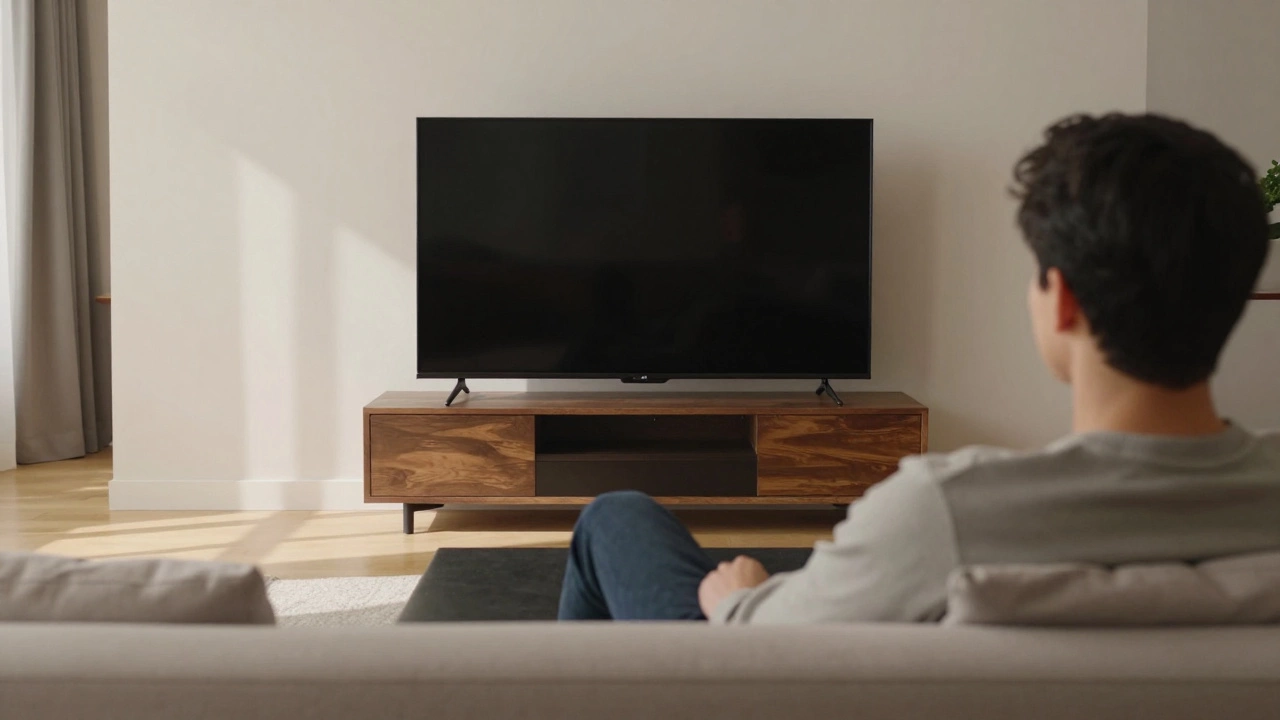
The golden rule? The center of your screen should be at eye level when you’re sitting down. That’s it. No complicated math. No fancy gadgets. Just sit in your normal watching position-on your couch, in your armchair, with your feet flat on the floor-and measure from the floor to your eyes. That’s your target height.
For most people, that’s about 42 inches (107 cm) off the floor. That number comes from decades of ergonomic research, not just guesswork. The American Academy of Ophthalmology and furniture designers like Herman Miller both agree: eye-level centering reduces strain and lets your gaze rest naturally.
But here’s the catch: your TV isn’t always the same size. A 55-inch screen is taller than a 32-inch one. So if you put a 75-inch TV on a 20-inch stand, the center might end up at 50 inches-way above eye level. That’s not okay. You’ll end up tilting your head back, tightening your neck muscles, and getting headaches after an hour of Netflix.
Why height matters more than you think
Think about how you watch TV. You’re not standing. You’re sitting. Maybe lounging. Maybe with a blanket over your legs. Your body is relaxed. Your neck should be, too. When your TV is too high, your eyes have to lift upward. That forces your upper neck muscles to work overtime. Over time, that leads to tension headaches and stiff shoulders.
When your TV is too low, you’re looking down. That puts pressure on the lower part of your neck and upper back. People who watch TV from a low stand often complain of a "dowager’s hump" feeling-tightness in the upper spine. It’s not just discomfort. It’s posture damage in slow motion.
And don’t forget glare. A TV mounted too high catches light from windows or lamps, creating reflections that make you squint. A TV too low? It bounces light off the screen from below, especially if you have floor lamps. Both make you work harder to see the picture. That’s not entertainment. That’s fatigue.
TV stand vs. wall mount: how it changes everything
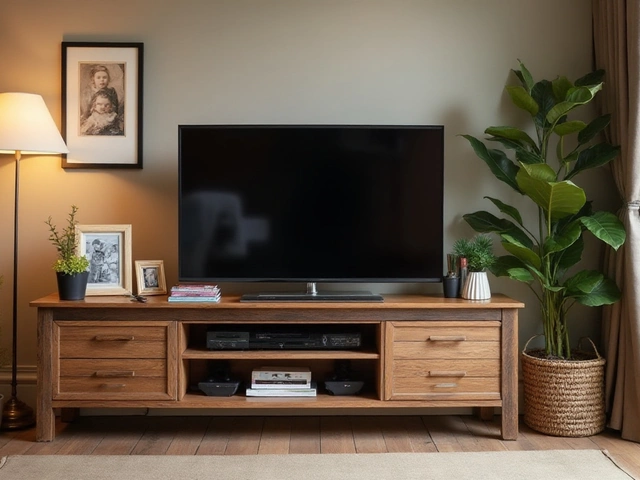
TV stands are simpler. You just pick one that fits your screen size and room layout. Most TV stands are 18 to 24 inches tall. Add a 55-inch TV (which is about 30 inches tall from bottom to top), and the center lands around 42 inches off the ground. Perfect.
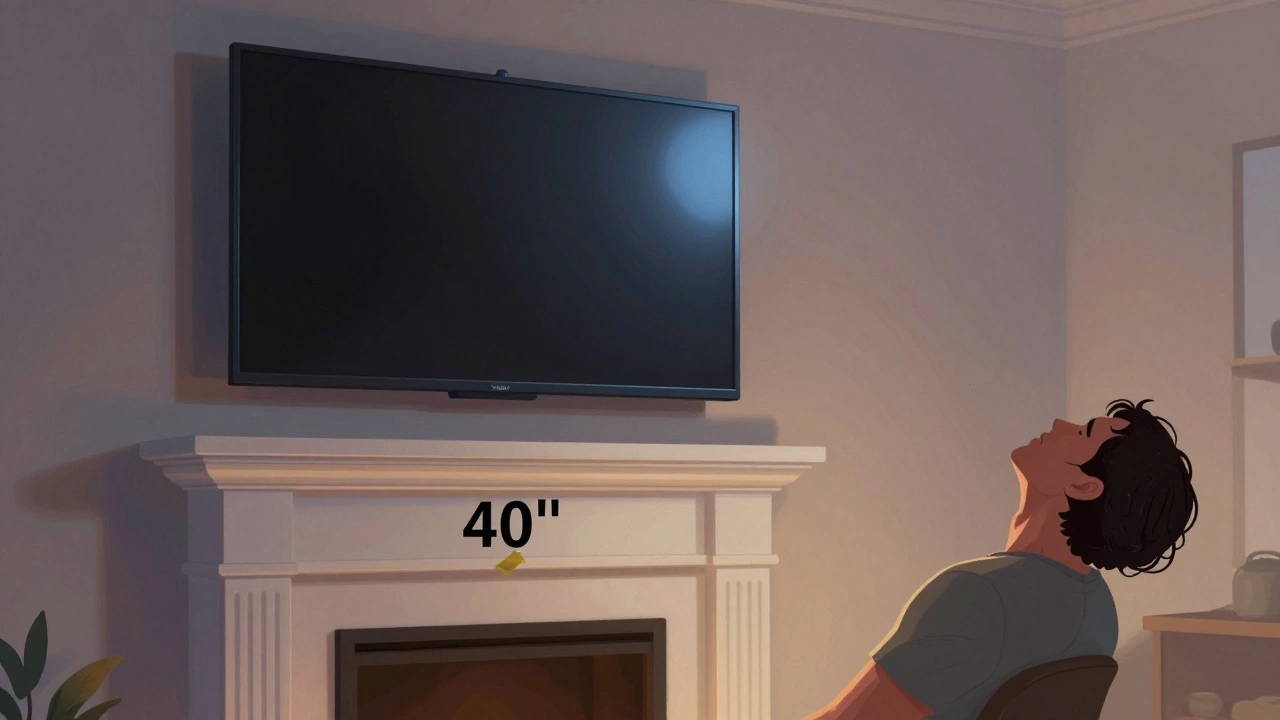
But if you’re wall-mounting, you’re in charge of the height. And that’s where most people mess up. They mount the TV where the bracket fits, not where the screen belongs. A common mistake? Mounting the TV right above the fireplace. Looks cool. Feels terrible. Fireplaces are usually 36 to 40 inches high. Add the TV, and the center is at 50 to 55 inches. That’s neck strain city.
Wall mounts let you adjust tilt, but not height. Once it’s on the wall, you’re stuck. So measure before you drill. Use painter’s tape to mark where the TV’s center will be. Sit on your couch. Look up. Does it feel natural? If not, move it down.
What if my couch is low?
If you have a deep, low-slung couch-like a sectional or a mid-century modern piece-your eye level might be lower than average. Maybe 36 inches. That’s fine. But don’t just put your TV on a standard stand and call it done. You need a shorter stand or a low-profile media console. Look for ones under 16 inches tall. Or, if you’re mounting, aim for a center height of 38 inches.
Same goes if you have kids or pets. A TV too high means they’re staring at the bottom of the screen. A TV too low means they’re climbing on furniture to see it. A lower center height helps everyone in the room. It’s not just for adults.
Room layout matters too
Where your TV sits affects how you sit. If your living room is long and narrow, and you’re watching from the far end, a higher TV might help reduce glare from a window behind you. But if you’re watching from across a wide room, a lower center height keeps the screen within your natural field of vision.
Also, think about what’s around your TV. A bookshelf on one side? A window on the other? A lamp that turns on at night? All these things affect glare and viewing angles. A TV that’s too high might catch the lamp’s reflection. A TV too low might be blocked by a coffee table.
Real-world examples
Here’s what works in real homes:
- Standard couch, 55-inch TV: Use a 20-inch stand. Center = 42 inches. Perfect.
- Low sectional, 65-inch TV: Use a 14-inch media console. Center = 38 inches. Comfortable for everyone.
- Wall-mounted, above fireplace: Move it down 8 inches. Use a low-profile mount. Center = 40 inches. No more neck pain.
- Bedroom TV, 43-inch screen: Mount at 40 inches. You’re sitting up in bed. Eye level is lower than in the living room.
One person in Auckland I spoke with mounted her 75-inch TV 5 inches too high. She got migraines after 30 minutes. She lowered it by 5 inches-just a few screw holes-and the headaches vanished. No new TV. No new stand. Just better placement.
How to test your TV height
Here’s a quick trick to find your perfect height:
- Grab a ruler or measuring tape.
- Sit in your normal watching position.
- Measure from the floor to your eyes. Write it down.
- Divide that number by two. That’s your target distance from the floor to the center of the screen.
- Use painter’s tape to mark that spot on the wall or stand.
- Stand back. Look at it. Does it feel right? If not, adjust by 2 inches up or down.
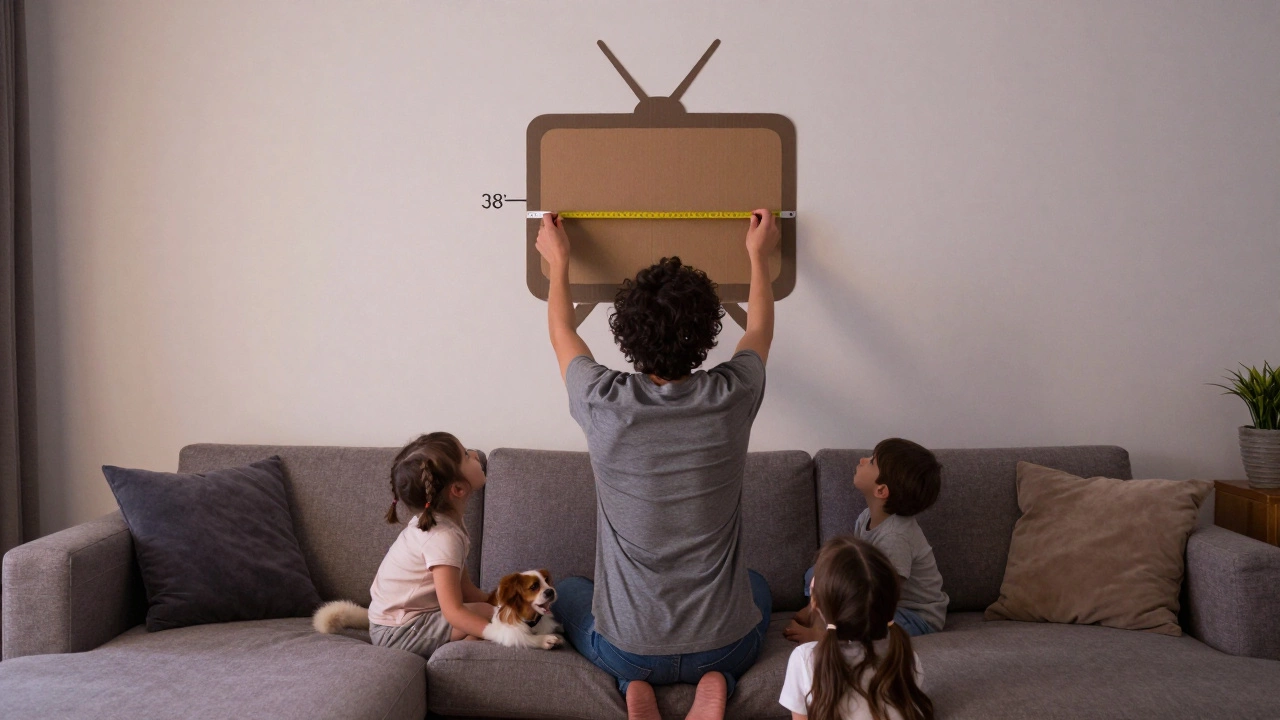
Do this before you buy anything. Don’t wait until the TV is installed. Test it with a cardboard cutout of your screen size. Tape it to the wall. Sit. Look. Move it. Repeat.
What to avoid
- Never mount your TV above a fireplace unless you’re okay with neck pain.
- Avoid stands that are too tall unless you’re sitting on a bar stool.
- Don’t put your TV on a shelf that’s higher than your head.
- Never assume "it looks good" means it’s comfortable.
TV stands aren’t just furniture. They’re part of your posture. Your TV height affects how you feel after watching a movie. It affects how long you can sit without aching. It affects whether you actually enjoy your screen or just tolerate it.
Final tip: Think long-term
Your body changes. Your couch might change. Your eyesight might change. What works today might not work in five years. Build flexibility into your setup. Use a TV stand with adjustable height. Or get a wall mount with a tilting arm. That way, if you ever feel discomfort, you can adjust it-no reinstallation needed.
Don’t just install your TV. Optimize it. Your neck will thank you.