Ergonomic Workspace Setup Checker
Check each item below to see if your workspace meets ergonomic standards for healthy sitting.
Chair & Body Alignment
Screen & Habits
Start checking your setup to improve your score!
The Myth of the "Perfect" Posture
We’ve all heard it before. Your mom told you to sit up straight. Your boss reminded you about professional presence. But when it comes to ergonomic sitting is the practice of arranging your workspace and body position to minimize strain on muscles and joints while working. the advice usually boils down to one rigid rule: keep your spine perfectly vertical, feet flat, and hands at a ninety-degree angle. It sounds simple enough, right? Wrong. In fact, holding that exact position for eight hours straight might be doing more harm than good.
The truth is, there is no single "healthiest way to sit." The human body wasn’t designed to stay static. We evolved to move, shift, and adapt. When you lock yourself into one posture, even a "correct" one, you stop blood flow, stiffen joints, and fatigue specific muscle groups. The real secret to staying healthy at your desk isn’t finding a perfect pose-it’s avoiding stillness entirely. Think of movement as medicine. If you’re sitting in Auckland or anywhere else in the world, the goal isn’t perfection; it’s variety.
Why Static Sitting Hurts Your Back
When you sit for long periods, your lumbar spine is the lower section of the vertebral column that supports most of the body's weight and allows for flexibility. loses its natural curve. This flattening puts pressure on the discs between your vertebrae. Over time, this can lead to disc degeneration and chronic lower back pain. Studies show that sitting increases spinal load by up to 40% compared to standing. That’s why you feel achy after a long day at the desk. It’s not just bad luck; it’s physics.
Furthermore, prolonged sitting tightens your hip flexors. These are the muscles at the front of your hips that help lift your legs. When they get short and tight from sitting, they pull on your pelvis, tilting it forward and causing that familiar ache in your lower back. So, the problem isn’t just how you sit; it’s how long you sit without changing.
Key Takeaways
- Movement is key: No single posture is ideal. Change positions every 30-60 minutes.
- Support your spine: Use lumbar support to maintain the natural curve of your lower back.
- Feet should be supported: Keep feet flat on the floor or use a footrest to improve circulation.
- Screen height matters: Your eyes should level with the top third of your monitor to prevent neck strain.
- Active sitting works: Incorporate small movements like shifting weight or stretching to keep blood flowing.
Setting Up Your Workspace for Success
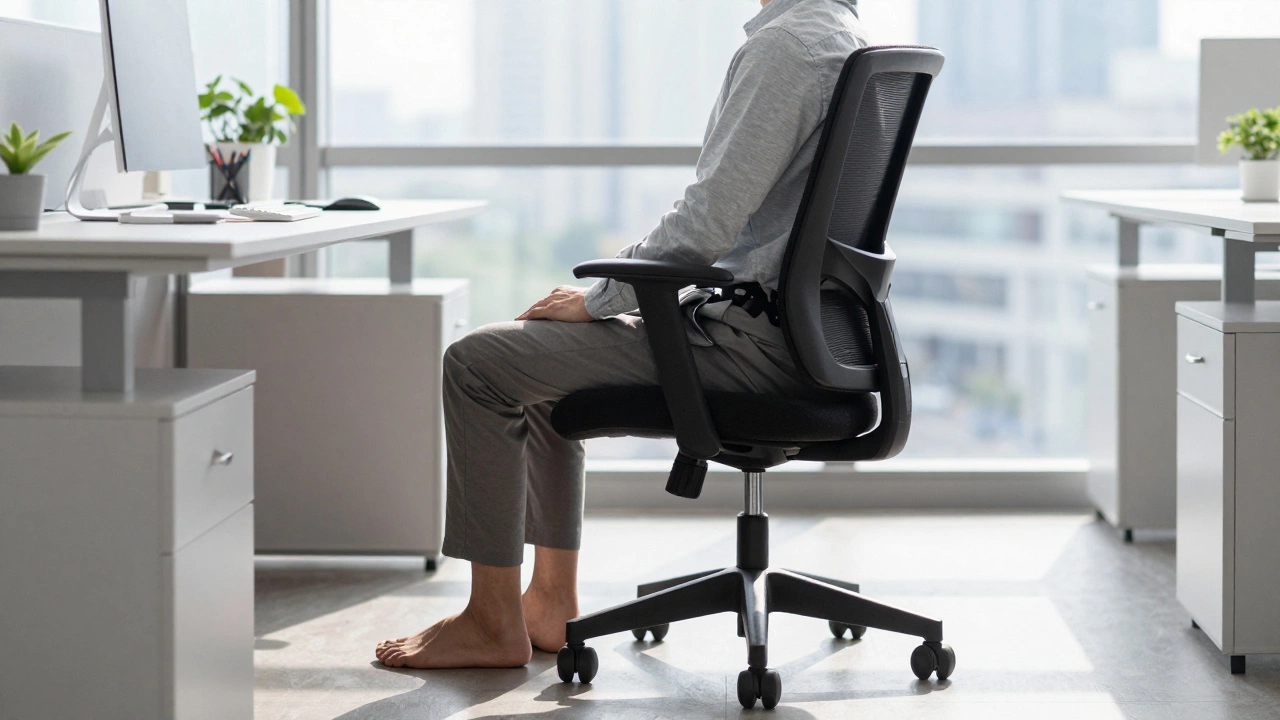
Before we talk about how to move, let’s talk about where you’re starting. Your office chair is a piece of furniture designed for seating during work activities, often featuring adjustable components for ergonomic support. is only as good as its setup. Even the most expensive ergonomic chair won’t save you if it’s adjusted incorrectly. Here’s how to dial in your seat so it supports your body rather than fighting against it.
Chair Height and Knee Angle
Start with your seat height. Your thighs should be parallel to the floor, or slightly angled downward toward your feet. This ensures that your knees form a 90-to-100-degree angle. If your chair is too high, your feet will dangle, cutting off circulation to your legs. If it’s too low, you’ll slump forward, compressing your abdomen and straining your back. Adjust the seat until your feet rest flat on the ground. If your chair goes too low for your height, don’t buy new shoes-get a footrest. A simple wooden box or dedicated ergonomic footrest can make a massive difference in comfort.
Lumbar Support: Don’t Ignore the Curve
Your lower back needs support. Most office chairs come with built-in lumbar pads, but they’re often positioned too high or too firm. You want the support to hit the natural inward curve of your spine, roughly at the level of your belt line. If your chair lacks this feature, roll up a small towel or use a cushion. The goal is to prevent your spine from collapsing into a C-shape. Proper lumbar support reduces the workload on your back muscles, allowing them to relax instead of constantly contracting to hold you upright.
Armrests and Shoulder Tension
Many people overlook armrests, but they play a crucial role in shoulder health. Your elbows should rest comfortably on the armrests with your shoulders relaxed. If the armrests are too high, you’ll shrug your shoulders, leading to tension headaches and neck pain. If they’re too low, you’ll hunch over, straining your upper back. Ideally, your arms should hang loosely, with forearms parallel to the desk surface. If your chair doesn’t have adjustable armrests, consider using a keyboard tray to bring your hands closer to your body.
| Body Part | Ideal Position | Common Mistake |
|---|---|---|
| Feet | Flat on floor or footrest | Dangling or crossed tightly |
| Knees | 90-100 degrees, slightly below hips | Too high (circulation cut off) |
| Lower Back | Supported by lumbar pad | Slouching or leaning forward |
| Elbows | Resting on armrests, 90 degrees | Shoulders shrugged or hunched |
| Eyes | Level with top third of screen | Looking down at laptop screen |
The Art of Active Sitting
Now that your chair is set, let’s talk about what you do in it. The concept of active sitting is a technique involving frequent, subtle changes in posture and position to engage core muscles and promote blood circulation. challenges the idea of sitting still. Instead of trying to find a comfortable spot and staying there, you intentionally change your position regularly. This keeps your muscles engaged and prevents stiffness.
Micro-Movements Matter
You don’t need to stand up every five minutes. Small shifts are enough. Try rocking gently on your heels, shifting your weight from side to side, or crossing and uncrossing your ankles. These micro-movements stimulate blood flow and signal your brain that you’re alert. If you’re using a stability ball or a wobble cushion, these movements become even easier. However, don’t rely solely on unstable surfaces for long periods-they can cause muscle fatigue if used exclusively.
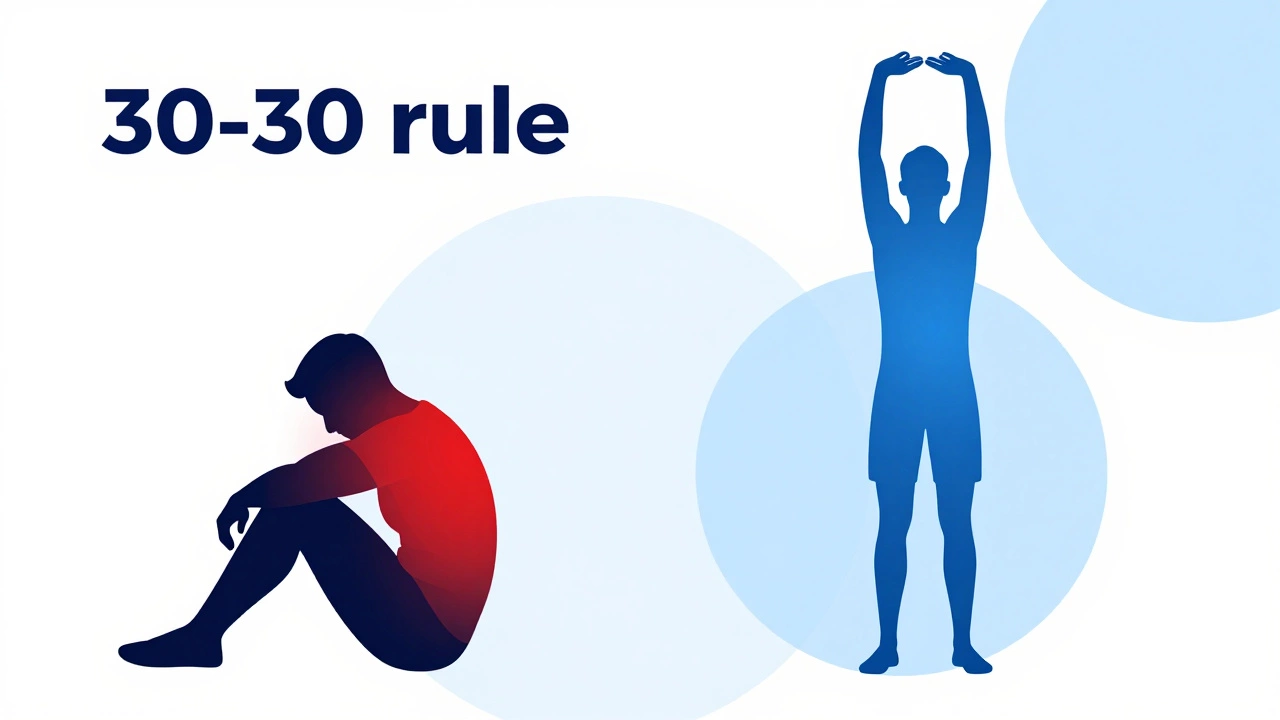
The 30-30 Rule
A practical strategy is the 30-30 rule. Every 30 minutes, spend 30 seconds moving. Stand up, stretch your arms overhead, touch your toes, or walk to the water cooler. This breaks the cycle of static loading on your spine. Set a timer on your phone or use a desktop app to remind you. Consistency is key. Over time, these small breaks add up to significant improvements in energy levels and physical comfort.
Monitor and Keyboard Placement
Your chair isn’t the only thing affecting your posture. Your computer monitor is the display device used to view digital content, which significantly impacts neck and eye strain based on its height and distance. plays a huge role. If your screen is too low, you’ll crane your neck downward, leading to "tech neck" and upper back pain. If it’s too high, you’ll tilt your head back, straining your cervical spine.
Eye Level Alignment
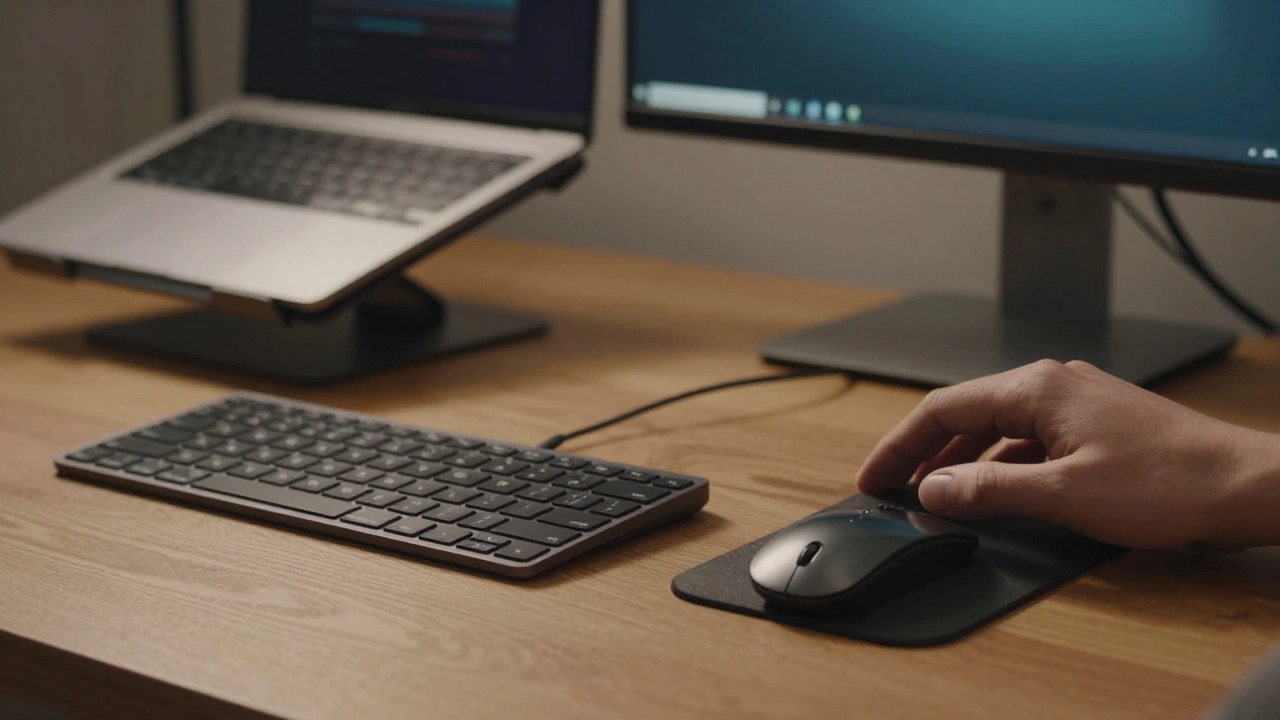
Your eyes should be level with the top third of your monitor. This allows you to look slightly downward at the center of the screen, which is a natural and comfortable position for your neck. If you’re using a laptop, prop it up on a stand and use an external keyboard and mouse. Laptops force you to compromise between arm comfort and neck alignment, which is why dedicated setups are superior for long-term health.
Keyboard and Mouse Distance
Your keyboard and mouse should be close enough that your elbows stay at your sides. Reaching forward causes your shoulders to round and your back to arch. Keep your wrists straight, not bent upward or downward. Wrist rests can help, but only if they’re used correctly-rest your palms lightly between tasks, not while typing.
Alternatives to Traditional Sitting
If sitting all day feels impossible, consider alternatives. standing desks are workstations that allow users to raise their desk surface to a standing height, promoting upright posture and reducing sedentary behavior. have become popular for a reason. Standing engages your leg and core muscles, burning more calories and improving circulation. However, standing all day isn’t the answer either. Hard floors can cause knee and foot pain. Use an anti-fatigue mat and alternate between sitting and standing throughout the day.
Sit-Stand Cycling
Aim for a ratio of 1:1 or 2:1 sitting to standing. For example, sit for 30 minutes, then stand for 15. This balance gives your body the variety it needs. Some advanced setups include treadmill desks, but these are better for light walking during calls rather than focused work. The goal is to keep your body in motion without compromising your productivity.
Stretching and Recovery
Even with the best chair and setup, some stiffness is inevitable. Regular stretching helps counteract the effects of sitting. Focus on areas that tighten up: hip flexors, hamstrings, chest, and neck.
Essential Stretches for Desk Workers
- Hip Flexor Stretch: Kneel on one knee, push hips forward, and hold for 30 seconds. Repeat on both sides.
- Chest Opener: Clasp hands behind your back, straighten arms, and lift slightly to open the chest.
- Neck Release: Gently tilt your ear toward your shoulder, holding for 15 seconds. Switch sides.
- Seated Forward Fold: Sit on the edge of your chair, extend legs, and hinge forward from hips to stretch hamstrings.
Incorporate these stretches into your daily routine. Do them during coffee breaks or before leaving work. They take less than five minutes but can significantly reduce end-of-day fatigue.
Is sitting worse than standing?
Not necessarily. Both sitting and standing have pros and cons. Sitting reduces impact on joints, while standing burns more calories. The key is variation. Alternating between the two is healthier than doing either exclusively for long periods.
How often should I adjust my posture?
Aim to change your position every 30 to 60 minutes. Small shifts, like crossing legs or leaning back, count. Larger breaks, like standing up or stretching, should happen at least once an hour.
Do I need an expensive ergonomic chair?
Not always. While high-end chairs offer more adjustments, a basic chair with proper lumbar support and correct setup can be effective. Focus on fit and adjustability rather than price tag.
Can sitting cause permanent damage?
Prolonged poor posture can contribute to chronic issues like disc degeneration and muscle imbalances. However, these conditions develop over years. Early intervention through movement and ergonomics can prevent serious problems.
What if I have existing back pain?
Consult a healthcare provider or physical therapist. They can recommend specific exercises and equipment tailored to your condition. General ergonomic advice may not address individual medical needs.
Final Thoughts on Healthy Sitting
Finding the healthiest way to sit in an office chair isn’t about rigidity; it’s about rhythm. Listen to your body. If you feel stiff, move. If you feel tired, stretch. Your workspace should support your activity, not restrict it. By combining proper setup with regular movement, you can transform your desk job from a source of pain into a sustainable part of your life. Remember, the best posture is your next one.