Ergonomic Posture Audit
Answer these questions about your current workspace to see how well your environment supports a healthy spine.
Your Setup Score
Complete the audit to see results.
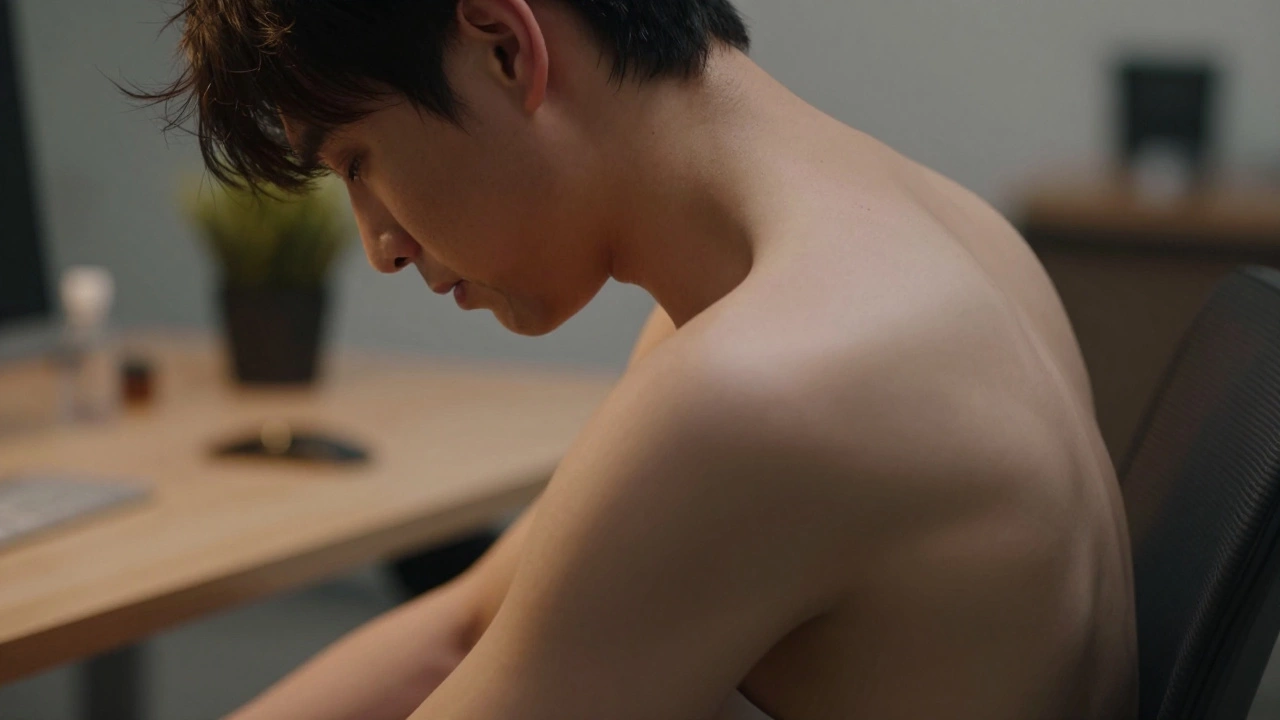
You’ve probably seen it in the mirror. Shoulders rolled forward, chin jutting out like a duck’s beak, and that familiar ache creeping up your neck. We call it slouching. It feels comfortable in the moment, but after eight hours of it, you feel wrecked. The big question isn’t just whether this habit ruins your day-it’s whether the damage is permanent. Can you actually un-slouch?
The short answer is yes. Your body is remarkably adaptable. But fixing years of bad habits doesn’t happen by simply “trying harder” to sit up straight. It requires changing the environment around you. Specifically, it starts with how you interact with your office chair. If your seat fights against your spine, no amount of willpower will keep you upright. Let’s look at why we slump and how the right setup can reverse the trend.
Why We Slouch: The Biology of Bad Habits
Slouching isn’t usually a sign of laziness. It’s often a reaction to discomfort or fatigue. When you sit for long periods, gravity pulls on your spine. Without proper support, your muscles have to work overtime to hold your torso upright. Eventually, those muscles get tired. They give up, and your spine collapses into the path of least resistance-usually a C-shape curve.
This leads to a condition many people know as "tech neck" or upper crossed syndrome. Your chest muscles tighten from being hunched over a keyboard, while your back muscles stretch out and weaken. Over time, this imbalance becomes your new normal. You don’t even notice you’re slouching because your brain has recalibrated what "straight" looks like.
To fix this, you need to break the cycle. You need external support to take the load off your exhausted muscles so they can recover and strengthen again. This is where ergonomics comes in. An ergonomic chair is designed to support the natural curves of the spine, reducing strain on muscles and joints during prolonged sitting isn’t just a luxury; it’s a medical necessity for desk workers.
The Role of Lumbar Support in Posture Correction
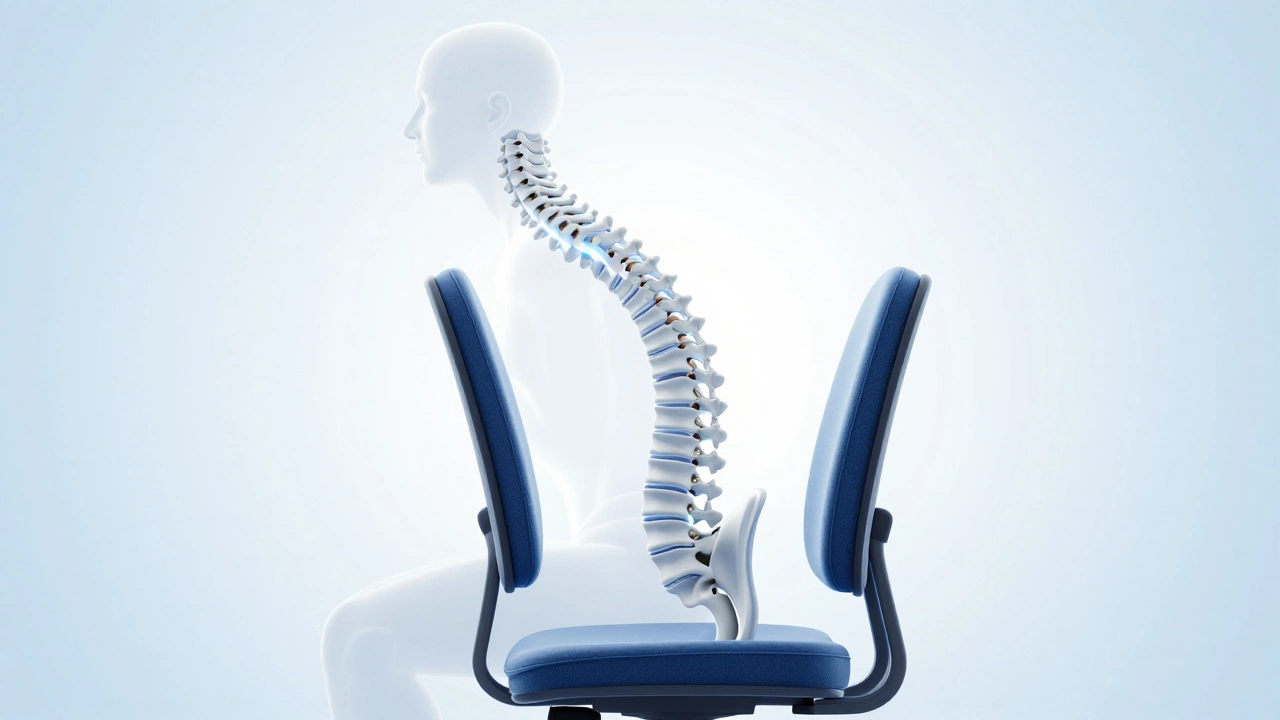
If there is one feature that matters more than any other when correcting posture, it is lumbar support. Your lower back (the lumbar region) naturally curves inward. When you sit on a flat surface without support, that curve flattens out. This puts immense pressure on the discs between your vertebrae.
Good lumbar support fills the gap between your lower back and the chair. It forces your spine back into its natural S-curve. Here is the catch: generic cushions often slide down or are too hard. You need adjustable support.
- Height Adjustment: The support must hit the small of your back, not your shoulders or hips.
- Depth Adjustment: Some chairs let you push the support further into your back for deeper correction.
- Firmness: It should feel firm enough to prevent collapsing, but not so hard that it hurts.
When your lumbar region is supported, your pelvis tilts slightly forward. This alignment ripples up through your entire spine. Your shoulders naturally fall back, and your head centers over your neck. You aren’t fighting gravity anymore; the chair is doing the heavy lifting.
Synching Mechanics: Why Static Seats Fail
Most cheap office chairs are static. You sit in them, and they stay still. This sounds fine until you realize that human bodies move. Even when working, we shift our weight, lean forward to type, and lean back to think. A static chair resists this movement, forcing you to either freeze (which causes stiffness) or slouch (to find comfort).
High-quality ergonomic chairs use a mechanism called synchro-tilt or multi-axis synching. This means that when you lean back, the seat pan and the backrest move together, but at different angles. Typically, the backrest reclines more than the seat tilts. This keeps your feet planted on the floor and maintains the angle of your knees and hips.
Think of it like a rocking chair. It allows motion without losing stability. By allowing micro-movements, these chairs keep blood flowing to your spinal discs and prevent the muscle fatigue that triggers slouching. If your chair locks you in place, you are setting yourself up for failure.
Choosing the Right Chair for Your Body Type
There is no single "best" chair for everyone. A chair that fits a tall, broad-shouldered person might crush a petite user. To correct posture, the chair must fit your specific dimensions. Here is what to check before buying.
| Feature | What to Look For | Why It Matters for Posture |
|---|---|---|
| Seat Depth | Adjustable slider | Ensures 2-3 fingers of space between the seat edge and your knee pit. Prevents thigh pressure. |
| Armrests | 4D adjustable (height, width, depth, pivot) | Allows elbows to rest at 90 degrees without shrugging shoulders. Reduces neck strain. |
| Headrest | Adjustable height and angle | Supports the cervical spine when leaning back. Critical for preventing tech neck. |
| Backrest Height | Tall enough to reach shoulder blades | Provides support for the thoracic spine, preventing upper-back rounding. |
Paying attention to armrests is crucial. Many people ignore them, focusing only on the backrest. However, if your armrests are too high, you will unconsciously hike your shoulders up toward your ears. This creates tension in the trapezius muscles, leading to headaches and a hunched appearance. Lower them so your arms hang loosely by your sides.
Beyond the Chair: The Desk Ecosystem
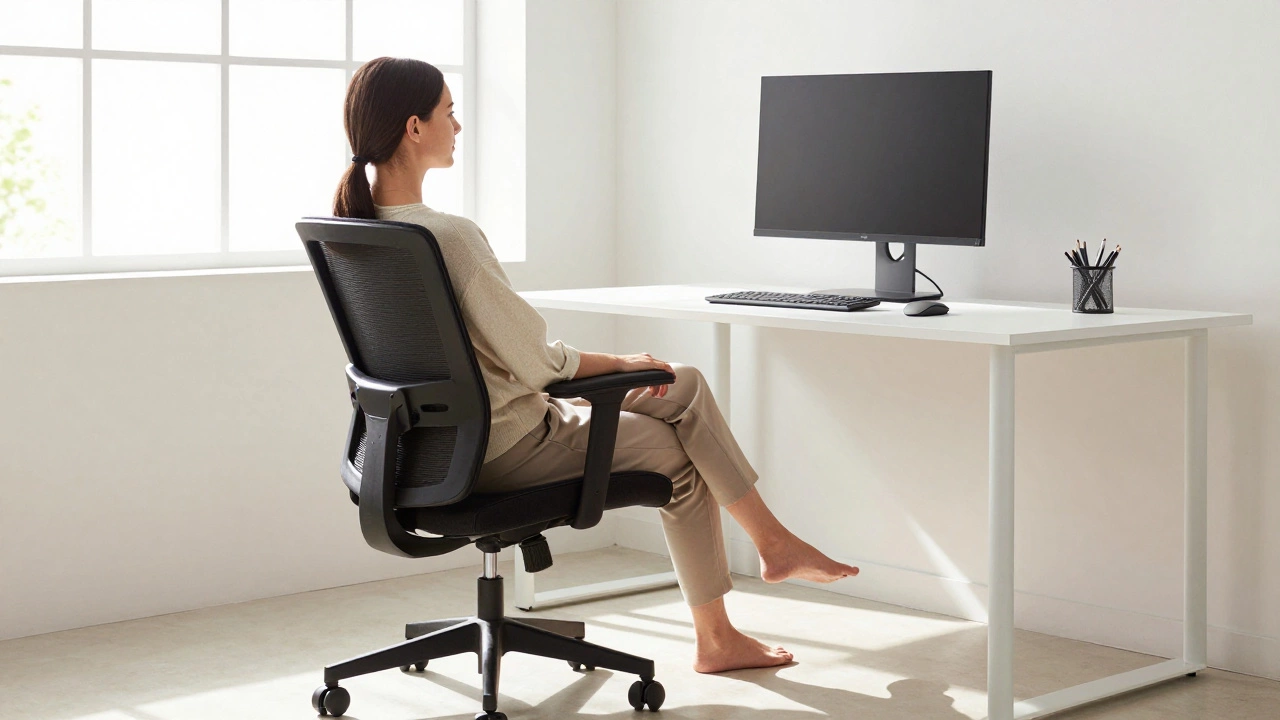
A great chair can do wonders, but it cannot fix a terrible desk setup. Posture is a chain reaction. If your monitor is too low, you will drop your head, regardless of how good your lumbar support is. If your keyboard is too far away, you will lean forward, negating the benefits of your chair.
Here is the golden rule for screen height: The top of your monitor should be at or slightly below eye level. This encourages you to look slightly downward, keeping your neck neutral. Use a monitor stand or laptop riser if needed.
Your keyboard and mouse should be close enough that your elbows stay tucked near your ribs. Reaching forward stretches your chest muscles and rounds your shoulders. Keep everything within the "power zone"-the area where you can work without twisting or stretching.
Active Sitting: Moving Is Medicine
Even the best ergonomic office chair is not a cure-all if you never leave it. The human body was designed for movement. Prolonged static sitting, even in perfect posture, reduces blood flow and stiffens joints. To truly correct slouching, you must integrate active sitting habits.
Try the 20-20-20 rule, but apply it to your whole body. Every 20 minutes, stand up for 20 seconds. Stretch your chest by clasping your hands behind your back. Roll your shoulders back. This simple action resets your muscle memory and reminds your brain what upright feels like.
Consider using a sit-stand desk converter. Alternating between sitting and standing takes pressure off your spine and engages your core muscles. Core strength is essential for maintaining posture. A strong core acts as a natural corset, supporting your spine from the inside out.
Reversing Years of Damage: Realistic Expectations
If you have been slouching for years, you won’t see changes overnight. Your muscles have shortened and lengthened in unnatural ways. It takes time to rebalance them. Consistency is key. Wear your posture like a second skin.
Start with small adjustments. Set reminders to check your position. Invest in a chair that supports your specific body type. Adjust your workspace to eliminate the need to reach or crane your neck. Over weeks and months, you will notice less pain, better energy levels, and a straighter silhouette.
Remember, posture is not about rigidity. It’s about ease. Good posture should feel effortless, not exhausting. If you find yourself constantly tensing to stay straight, your setup is wrong. Tweak it until sitting up feels as natural as lying down.
FAQ: Common Questions About Posture Correction
How long does it take to correct slouching posture?
It varies by individual, but most people notice significant improvement in 4 to 8 weeks of consistent ergonomic adjustments and exercise. Complete reversal of chronic postural issues may take several months. Consistency with your chair settings and daily movement breaks is crucial for faster results.
Is an expensive ergonomic chair worth it for posture?
Yes, if you sit for more than four hours a day. Cheap chairs often lack adjustable lumbar support and proper synchro-tilt mechanisms, which are essential for long-term spinal health. Investing in a quality chair prevents costly medical treatments for back pain later on.
Can I fix my posture without buying a new chair?
You can make improvements, but it is limited. Adding a lumbar cushion and adjusting your monitor height helps. However, without adjustable armrests and dynamic tilt mechanisms, your current chair may actively work against your efforts to sit correctly.
What exercises help counteract slouching?
Focus on strengthening your upper back and core. Exercises like rows, face pulls, and planks are effective. Additionally, stretching your chest muscles (pectorals) is vital, as tight chest muscles pull your shoulders forward into a slouch.
Does sitting on a yoga ball help posture?
Not necessarily. While it forces you to engage your core, it lacks back support. Most people end up slouching on a yoga ball after 15 minutes due to fatigue. It is better as a temporary tool rather than a full-time replacement for an ergonomic chair.
How should my feet be positioned while sitting?
Your feet should be flat on the floor, hip-width apart. If your feet dangle, your chair is too high, which increases pressure on your thighs and lowers your pelvic stability. Use a footrest if necessary to maintain a 90-degree angle at your knees.
Can poor posture cause headaches?
Yes. Forward head posture puts significant strain on the neck muscles and cervical spine. This tension can radiate up into the skull, causing tension headaches. Correcting your monitor height and using a headrest can alleviate this pressure.
What is the ideal distance between my eyes and the monitor?
About an arm's length away (20-28 inches). This distance reduces eye strain and prevents you from leaning forward, which contributes to slouching. Ensure the center of the screen is about 15-20 degrees below your horizontal eye level.