TV Mount Safety & Hardware Calculator
Configure Your Setup
Recommended Hardware
Installation Notes
Weight Distribution Analysis
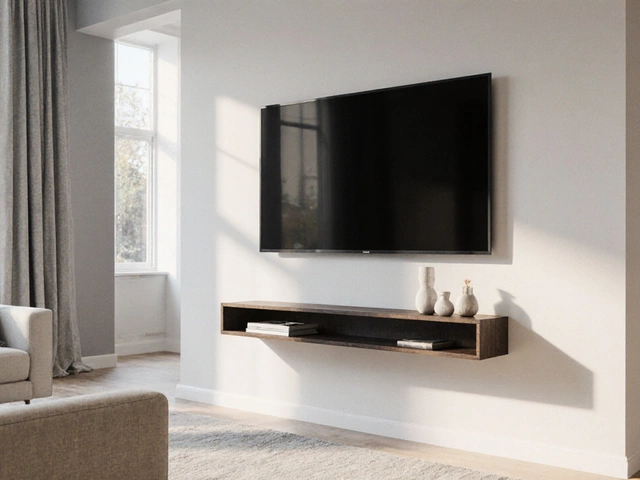
Mounting your television directly onto drywall feels like the ultimate space-saving move. You get that sleek, floating look without the clutter of a bulky stand. But there is a nagging fear that keeps most people up at night: will the TV just fall off the wall and smash into pieces? The short answer is yes, it is safe, but only if you do it right. Drywall by itself is not strong enough to hold a modern flat-screen. It crumbles under pressure. However, when you combine the right hardware with proper installation techniques, your wall can support even the heaviest OLED models securely for years.
We have all seen the horror stories online. A family walks in from dinner, and their 65-inch screen is lying in shards on the floor. These accidents almost always happen because someone skipped the critical step of finding structural support or used cheap plastic anchors meant for picture frames. If you are planning to hang your TV, you need to understand what is actually holding it up. This isn't just about drilling holes; it is about physics and material strength.
Before we talk about tools, let's clear up a common myth. You cannot rely on standard drywall alone. Standard gypsum board has very little tensile strength. Imagine trying to hang a heavy coat on a piece of cardboard. It might hold for a minute, but eventually, the material tears. Your TV weighs significantly more than a coat. Therefore, the safety of your mount depends entirely on how well you connect the bracket to something stronger than the drywall surface.
Finding the Wall Studs
The gold standard for any TV mount is securing it directly into wooden or metal wall studs. These are the vertical beams hidden behind your drywall that form the skeleton of your house. They are designed to carry weight. When you screw into a stud, you are anchoring your TV to the structure of the building itself. This method is virtually fail-proof for TVs up to 80 inches or more.
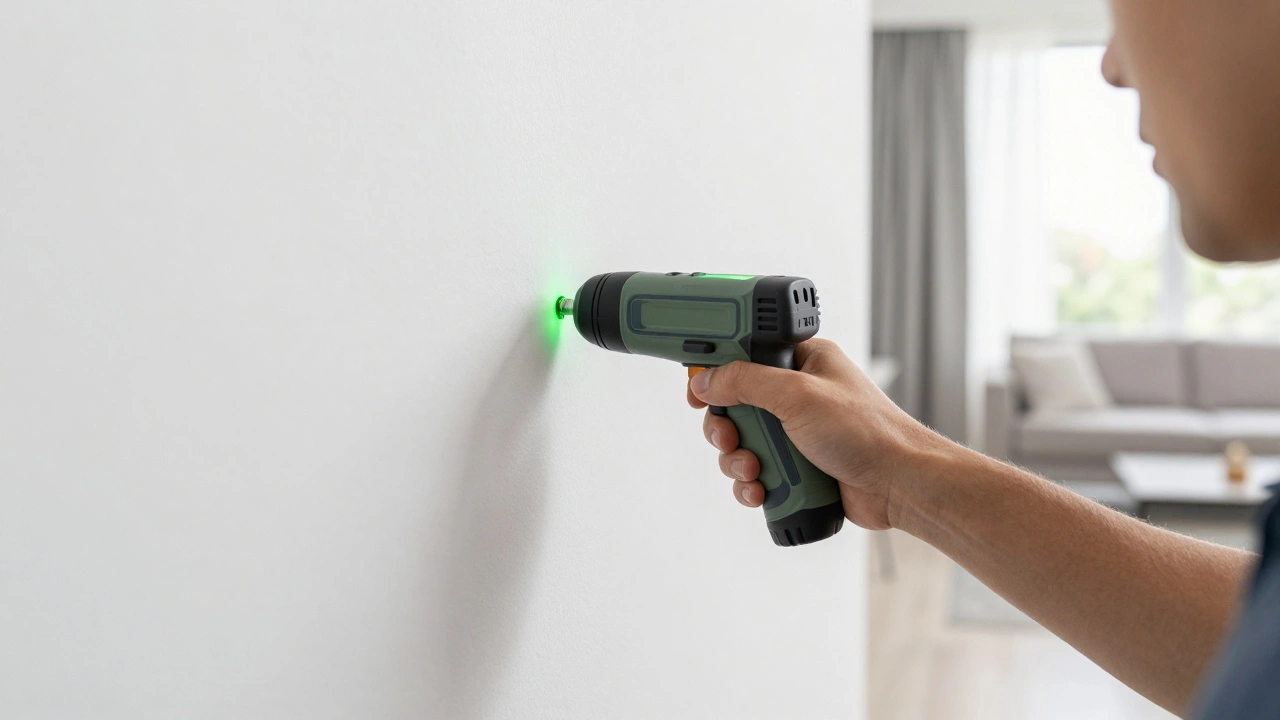
To find these studs, you need a reliable stud finder. Cheap magnetic ones often miss steel nails inside the wood, leading to false positives. Invest in an electronic stud finder that detects density changes. Run it slowly across the wall. When the device beeps or lights up, mark the spot. Move sideways until you find the edges of the stud. Most residential studs are spaced 16 inches apart center-to-center. Marking the exact width helps you align your mount perfectly so that the screws hit the solid wood.
If your TV is wider than the distance between two studs, you might worry about having no support in the middle. This is where toggle bolts come in. You can secure the outer brackets into the studs and use heavy-duty anchors for the center section. This hybrid approach gives you the best of both worlds: the unshakeable security of wood and the flexibility of anchor placement.
Choosing the Right Anchors
Sometimes, life doesn't work out perfectly. Maybe your TV needs to go over a window, or the studs are in the wrong place for your desired layout. In these cases, you must use drywall anchors. Not all anchors are created equal. For a TV mount, you should ignore the small plastic expansion plugs you use for shelves. They will rip out.
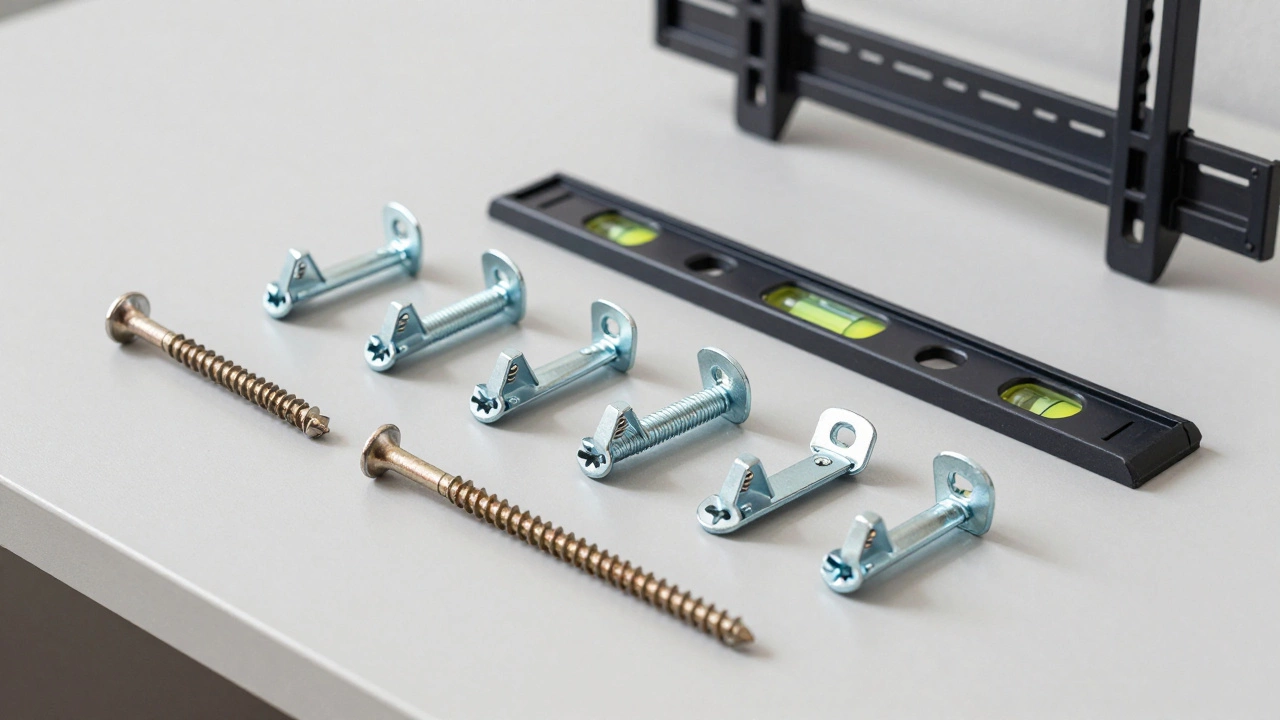
Look for Toggle Bolts, specifically heavy-duty metal toggles with spring-loaded wings. These anchors work by expanding behind the drywall. You drill a hole, insert the bolt, and as you tighten it, the wings snap open against the back of the wall. This distributes the weight over a larger area, preventing the drywall from crushing inward. A single high-quality toggle bolt can hold upwards of 50 pounds in standard 1/2-inch drywall. For heavier setups, consider SnapToggles or molly bolts, which offer even greater pull-out resistance.
If you are dealing with older homes, check if you have plaster walls instead of drywall. Plaster is harder but more brittle. It requires different anchors, often concrete-style screws or specialized plaster anchors. Misidentifying the wall type can lead to stripped holes and failed mounts. Tap the wall; drywall sounds hollow, while plaster sounds dense and solid.
Selecting the Correct Mount Type
The type of mount you choose affects the stress on your wall. Fixed mounts keep the TV flush against the wall. They are the safest option because they put the least amount of leverage on the anchors. The weight is distributed evenly across multiple points. If you want that minimalist look, this is your best bet.
Full-motion articulating mounts allow you to swivel and extend the TV away from the wall. While convenient, they create significant torque. When the arm is extended, the force pulling down on the top screws increases dramatically. Think of it like a lever. The further the TV extends, the harder it pulls on the wall. If you use an articulating mount, you absolutely must secure it into studs. Using anchors with a full-motion arm is risky and generally discouraged by manufacturers unless the wall is reinforced.
Check the VESA pattern on the back of your TV. This is the grid of screw holes. Ensure your mount matches this pattern. Also, verify the weight rating of the mount. Do not buy a mount rated for 30 pounds for a 50-pound TV. Always add a safety margin. If your TV weighs 40 pounds, buy a mount rated for at least 60 pounds.
Step-by-Step Installation Process
Preparation is key to a successful install. Gather your tools: a level, a drill, appropriate drill bits, a stud finder, and the correct screws for your anchors or studs. Measure twice, cut once applies here too. Mark your drill points carefully. Use a pencil, not a pen, so mistakes can be erased.
- Locate and Mark Studs: Use your stud finder to identify the centers of the studs. Mark them clearly. If using anchors, ensure the spacing matches your mount's bracket holes.
- Hold the Bracket Level: Place the wall plate against the wall. Use a bubble level to ensure it is perfectly straight. An uneven mount looks bad and puts uneven stress on the screws. Have a helper hold it steady or use painter's tape to temporarily secure it.
- Drill Pilot Holes: Drill through the drywall and into the stud. If using anchors, drill the specific size required by the anchor manufacturer. Going too wide weakens the grip.
- Insert Anchors or Screws: If hitting studs, drive long wood screws (at least 2.5 inches) directly into the wood. If using toggle bolts, feed them through the hole, open the wings, and tighten until snug. Do not overtighten, as this can crack the drywall.
- Attach the TV: Secure the mounting plate to the back of your TV using the provided hardware. Be careful not to strip the threads on the TV's VESA holes. Hand-tighten first, then give a gentle turn with a screwdriver.
- Hang and Secure: Lift the TV onto the wall plate. Engage any locking mechanisms. Finally, attach the safety cables or anti-theft screws. These prevent accidental bumps from knocking the TV loose.
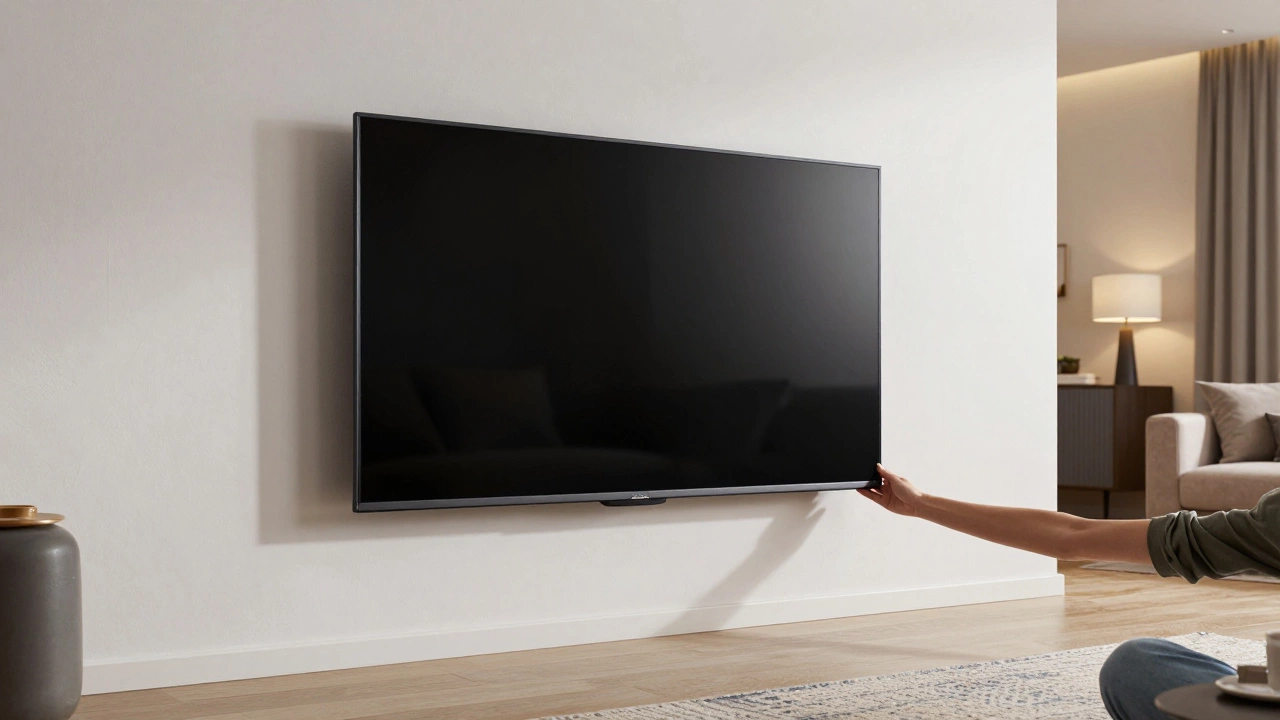
Once installed, give the TV a gentle tug. It should feel immovable. If there is any wobble, stop immediately. Remove the mount and check your connections. Loose anchors are a major hazard.
Common Mistakes to Avoid
One of the biggest errors people make is ignoring the weight distribution. Modern TVs are lighter than old CRTs, but they are also larger. The surface area matters. A large TV catches air currents and can sway slightly if not secured properly. Another mistake is using the wrong screw length. Screws that are too short won't penetrate deep enough into the stud, while screws that are too long can damage wiring or plumbing hidden inside the wall. Always check for electrical outlets and pipes before drilling deep.
Also, consider the height. Eye level when seated is the ideal viewing height. Many people mount TVs too high, thinking it looks better. This leads to neck strain and makes the mount less stable due to increased leverage. Keep it low and centered.
For those who travel frequently or live in temporary housing, permanent mounting might not be an option. In such cases, a sturdy TV stand is a safer alternative. It avoids wall damage entirely and offers flexibility. If you are looking for versatile furniture solutions that adapt to changing living spaces, exploring options beyond fixed installations can provide peace of mind. Some travelers prefer flexible arrangements that don't require structural modifications, much like how one might browse this resource for adaptable service options in dynamic environments, though the context here remains strictly focused on home safety and furniture stability.
Maintaining Your Mount
Even after a perfect installation, maintenance is important. Over time, vibrations from footsteps or nearby traffic can loosen screws. Check your mount every six months. Tighten any loose bolts. Inspect the drywall around the anchors for cracks. If you see hairline cracks forming, it is a sign that the anchors are struggling. Reinforce the area or switch to a stud-based solution immediately.
If you decide to remove the TV later, do it carefully. Unscrew everything slowly. Patch the holes with spackle, sand them smooth, and paint over them. Proper removal ensures your walls stay in good condition for future renters or buyers.
Can I mount a TV on drywall without studs?
Yes, but only with heavy-duty anchors like toggle bolts or SnapToggles. Standard plastic anchors are not safe for TVs. Ensure the anchors are rated for at least 1.5 times the weight of your TV to provide a safety margin.
What size screws should I use for wall studs?
Use #10 or #12 wood screws that are at least 2.5 to 3 inches long. This ensures they penetrate deeply into the stud, providing maximum holding power. Shorter screws may not grab enough wood fibers to support the weight.
Is it safe to use an articulating mount on drywall anchors?
It is highly discouraged. Articulating mounts create significant leverage and torque when extended. This force can easily pull anchors out of drywall. Always secure articulating mounts directly into wall studs for safety.
How do I know if my wall has studs or concrete?
Tap the wall. Wood studs sound hollow, concrete sounds solid and dense. You can also use a stud finder with concrete detection capabilities. If you suspect concrete, you will need masonry bits and sleeve anchors instead of wood screws.
What should I do if I hear cracking sounds after mounting?
Stop using the mount immediately. Cracking sounds indicate that the drywall or anchors are failing. Remove the TV, inspect the wall for damage, and reinstall using studs or stronger anchors. Ignoring this can lead to the TV falling.