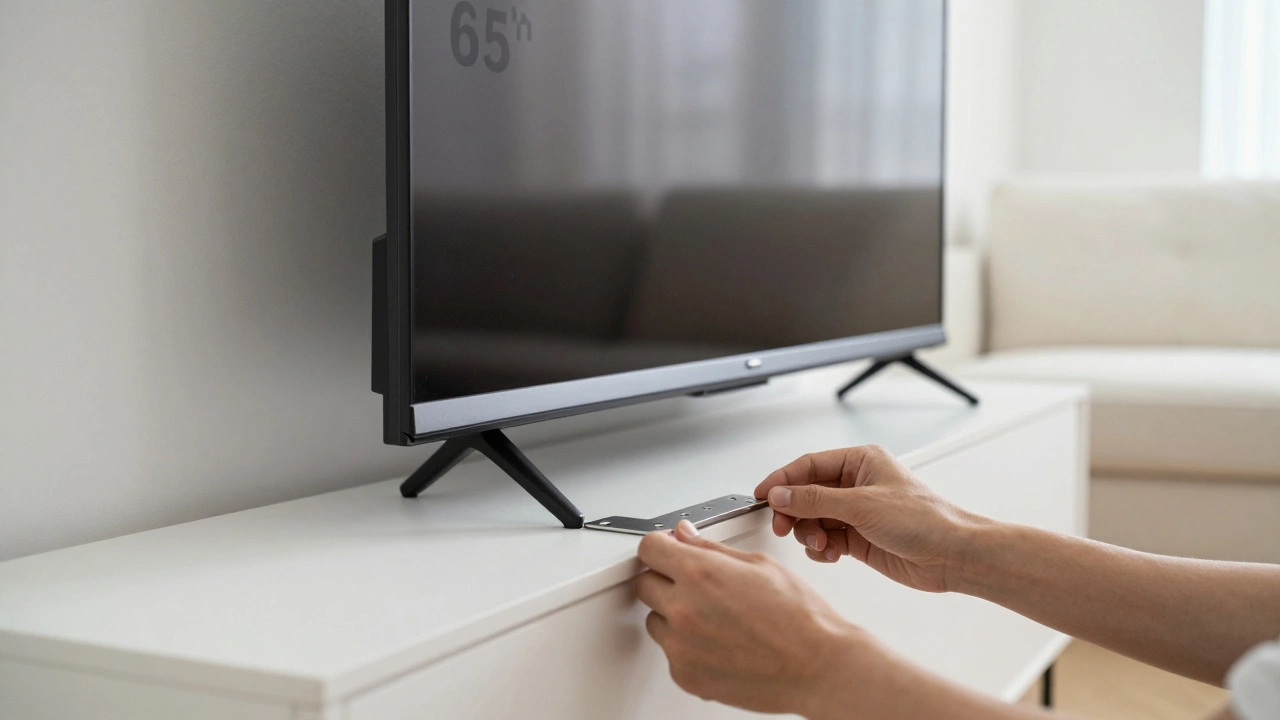
TV Leg Installation Safety Advisor
Not sure if you should lay your TV flat? Select your screen type and situation below to get expert recommendations.
Analysis Complete
You’ve just unboxed your new television. It’s sleek, it’s expensive, and you’re ready to get it up and running. But then you hit the first hurdle: attaching those pesky stand legs. The instructions show the TV standing upright, but holding a massive 65-inch slab vertical while trying to thread tiny screws into plastic brackets is a recipe for disaster-or at least, severe back strain. So, the big question arises: can you lay the TV flat on its face to install the legs?
The short answer is: it depends entirely on what kind of screen you have. If you own an older LCD or LED model, you might get away with it if you follow strict precautions. But if you have a modern OLED or QD-OLED panel, laying it face-down is a fast track to permanent damage. Getting this wrong doesn’t just void your warranty; it can ruin the display forever.
Why Screen Technology Matters More Than Weight
To understand why you can’t treat every TV like a piece of plywood, we need to look at how the screens are built. For years, standard LCD and LED televisions used a rigid glass substrate. These panels were tough. They could handle some pressure, provided that pressure was distributed evenly across the entire surface area.
However, the industry has shifted. Today, many high-end TVs use OLED (Organic Light-Emitting Diode) technology. Unlike LCDs, which require a backlight behind the glass, OLED pixels generate their own light. This allows for thinner designs, but it also means the organic layers are incredibly delicate. They are sensitive to pressure, heat, and even static electricity.
If you lay an OLED TV face-down, even on a soft blanket, any small imperfection-a pebble, a seam in the fabric, or a hard edge from the box-can press directly into the pixel layer. This creates "pressure marks" or dead pixels that will stay there permanently. Manufacturers like LG, Sony, and Samsung explicitly warn against placing weight on the front of OLED panels. For these sets, the rule is absolute: never lay them face down.
The Risks of Laying Your TV Face-Down
Even if you have a sturdy LED TV, laying it flat carries significant risks that most people overlook until it’s too late. Here is what can go wrong:
- Screen Cracking: Glass is strong against impact but weak against point pressure. A single screw left inside the packaging box, or a button on your shirt pressing against the screen, can crack the glass under the weight of the TV itself.
- Internal Component Stress: Modern TVs are packed with circuit boards, speakers, and power supplies. Laying the TV flat shifts the internal gravity load. In rare cases, this can cause solder joints to loosen or connectors to shift, leading to audio issues or failure to power on later.
- Scratches and Smudges: The screen coating is designed to be touched lightly by fingers, not rubbed against carpet fibers or cardboard dust. Once scratched, the anti-glare coating is compromised, affecting picture quality.
- Warranty Voidance: Most manufacturers state that damage resulting from improper handling, including laying the TV face-down, is not covered. If you bring in a cracked screen and admit you laid it on the floor, the repair bill is yours alone.
The Safest Method: Installing Legs Upright
The only way to guarantee zero risk to your screen is to install the legs while the TV is upright. Yes, it sounds difficult, but it’s manageable with the right setup. You don’t need to be a professional installer to do this safely.
- Create a Stable Base: Place the TV’s original foam inserts or a thick, clean moving blanket on a large table or the floor. Ensure the surface is level.
- Use a Helper: This is non-negotiable for screens larger than 40 inches. Have one person hold the TV steady while you work.
- Prop It Up: If you don’t have a second pair of hands, lean the TV gently against a wall or a padded chair. Make sure the bottom bezel is resting securely so it won’t tip forward.
- Align the Brackets: Slide the metal leg brackets onto the slots at the bottom of the TV. Most modern TVs have universal slots that accept multiple bracket sizes. Push firmly until they click or sit flush.
- Secure with Screws: Use the screws provided in the box. Start each screw by hand to ensure it’s threaded correctly, then tighten with a screwdriver. Don’t overtighten; snug is enough.
- Attach the Feet: Screw the plastic feet into the brackets. Again, start by hand to avoid stripping the threads.
This method takes about 10-15 minutes. It requires patience, but it saves you from the heart-stopping moment of realizing you’ve pressed a coin into your screen.
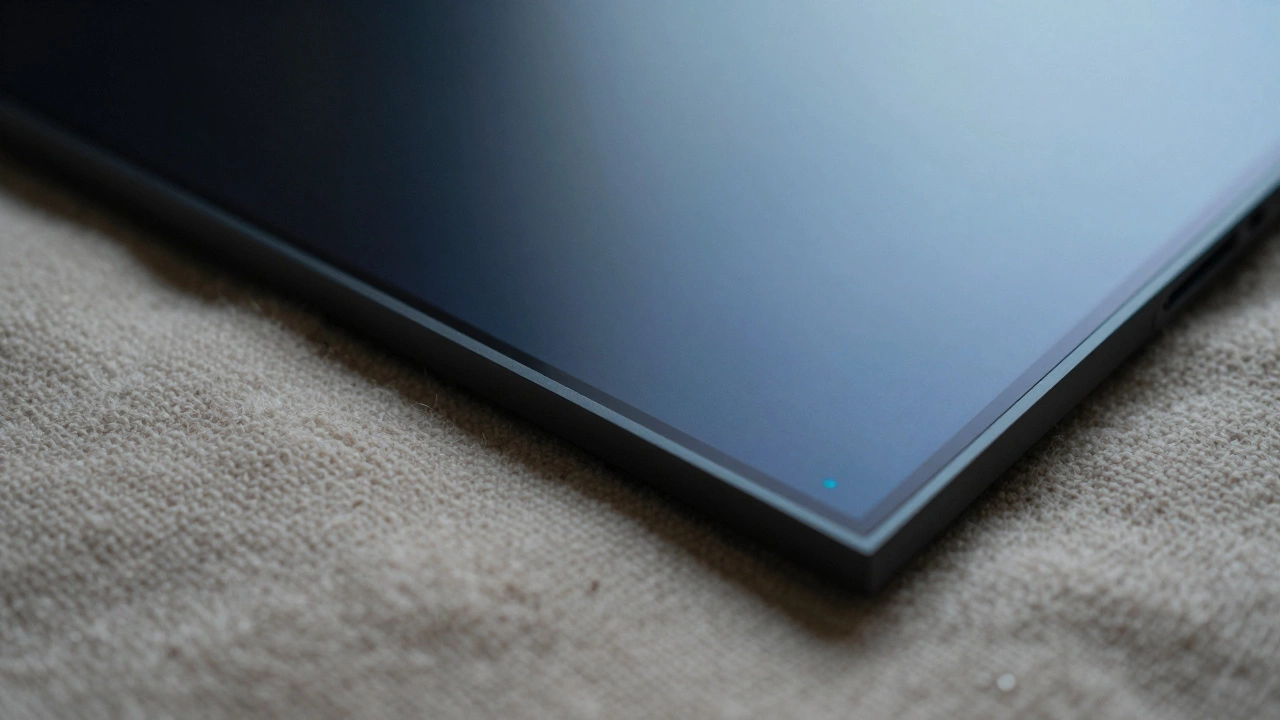
If You Must Lay It Down: The Absolute Minimum Safety Protocol
Let’s say you’re installing a budget-friendly LED TV, you’re working alone, and you feel confident. If you decide to lay the TV face-down, you must follow this protocol to minimize risk. Note that this is still risky and not recommended by experts.
| Step | Action | Why It Matters |
|---|---|---|
| 1 | Clean the surface thoroughly | Remove all dust, hair, and debris that could act as abrasives. |
| 2 | Use a soft, thick blanket | A wool or cotton blanket provides cushioning. Avoid synthetic fabrics that generate static. |
| 3 | Check for hidden objects | Pocket out coins, keys, pens, and phone chargers. Even a small button can crack the screen. |
| 4 | Place the TV gently | Do not drop it. Lower it slowly with two hands to distribute weight evenly. |
| 5 | Work quickly | Minimize the time the screen is under pressure. Install legs and flip it over immediately. |
Never place the TV directly on cardboard, wood, or carpet. Cardboard has rough edges and can leave fibers on the screen. Carpet piles create uneven pressure points. Always use a dedicated protective layer.
Alternatives to Installing Legs Yourself
If the idea of handling a fragile electronic device makes you nervous, consider these alternatives:
- Professional Installation Services: Many retailers offer installation services for a fee. They have the tools and experience to mount stands or walls without risking damage.
- Wall Mounting: If you’re worried about the stability of legs, a wall mount might be a better option. Wall mounts eliminate the need for bottom brackets entirely and often provide a cleaner look.
- Universal TV Stands: Some third-party stands clamp onto the TV rather than using screws. These can be easier to install but may not support heavier models.
Common Mistakes to Avoid During Installation
Even when following the correct procedure, small errors can lead to big problems. Here are the most common pitfalls:
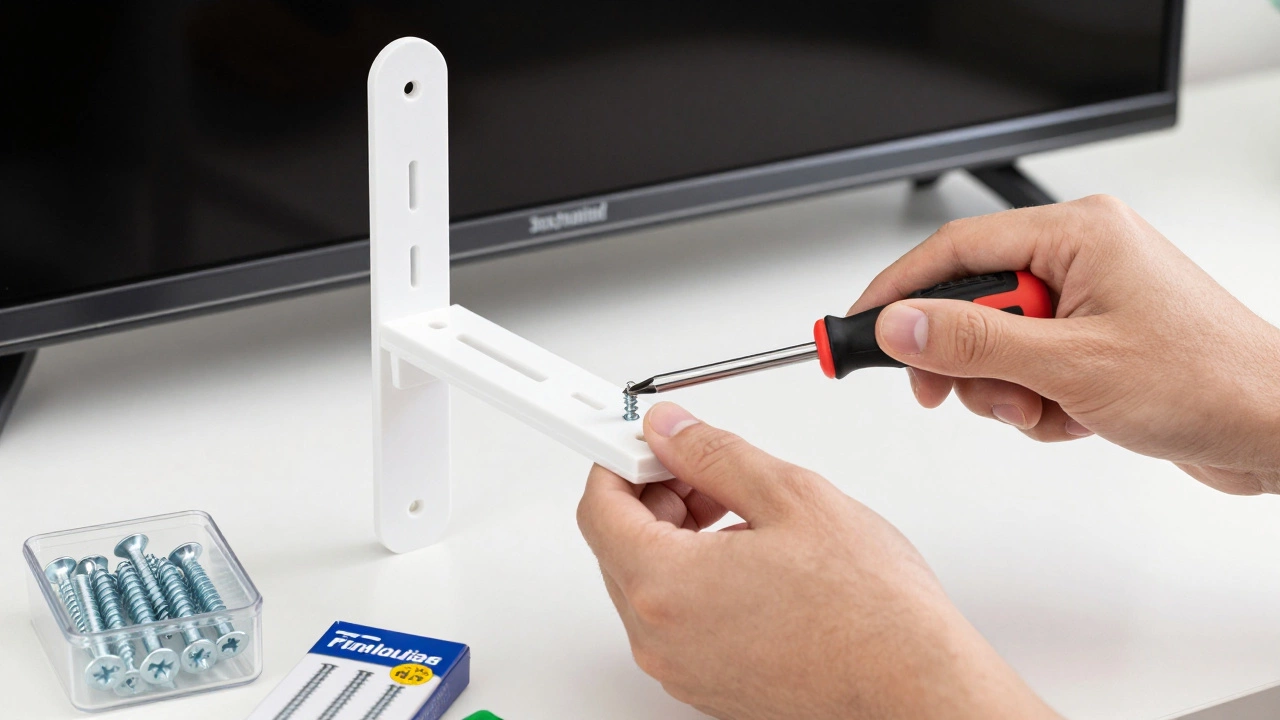
- Using the Wrong Screws: Always use the screws provided with the TV or the stand. Using generic hardware store screws can strip the threads or be too long, piercing internal components.
- Overtightening: Plastic brackets can crack if you apply too much torque. Tighten until resistance is felt, then stop.
- Ignoring the Manual: Each TV model has specific instructions. Some require removing protective films before attaching legs; others require aligning pins in a specific order. Skipping the manual is the fastest way to make a mistake.
- Working on Uneven Surfaces: If your table wobbles, the TV will shift. Ensure your workspace is stable and level.
What to Do If You Suspect Damage
If you’ve already laid your TV down and notice anything unusual, stop immediately. Check for:
- Discoloration: Any purple, green, or white spots on the screen indicate pressure damage to the pixels.
- Lines or Streaks: Vertical or horizontal lines suggest internal connection issues caused by stress.
- Cracks: Even hairline cracks can spread. Turn off the TV and inspect the screen closely under good lighting.
If you see any of these signs, contact the manufacturer’s support team. Do not attempt to fix it yourself, as this will likely void any remaining warranty coverage.
Final Thoughts on TV Handling
Your TV is one of the most expensive pieces of electronics in your home. Treating it with care during installation pays off in the long run. While it might be tempting to lay it flat for convenience, the potential cost of damage far outweighs the effort of installing the legs upright. Take your time, use the right tools, and don’t hesitate to ask for help. A few extra minutes now can save you hundreds of dollars in repairs later.
Can I lay my OLED TV face down to install legs?
No, you should never lay an OLED TV face down. The organic pixel layers are extremely sensitive to pressure. Even a soft blanket can cause permanent dead pixels or pressure marks if any small object presses against the screen. Always install legs while the TV is upright.
Is it safe to lay an LED TV face down?
It is safer than with OLED, but still not recommended. LED screens have rigid glass, but they can still crack from point pressure. If you must lay it down, use a thick, clean blanket and ensure no debris is present. However, installing legs upright is always the safest option.
What should I put under my TV if I lay it flat?
Use a thick, soft blanket made of natural fibers like cotton or wool. Avoid synthetic materials that generate static electricity. Never place the TV directly on cardboard, carpet, or hard surfaces. Ensure the blanket is free of seams, buttons, or debris.
How do I install TV legs without a helper?
Lean the TV gently against a padded wall or chair to keep it upright. Use the original foam inserts to prop it up if available. Secure the base so it doesn’t tip forward. Work slowly and carefully to attach the brackets and screws while the TV is supported.
Will laying my TV down void the warranty?
Yes, most manufacturers consider damage from improper handling, including laying the TV face-down, as user error. If your screen cracks or develops dead pixels after being laid down, the warranty claim will likely be denied.